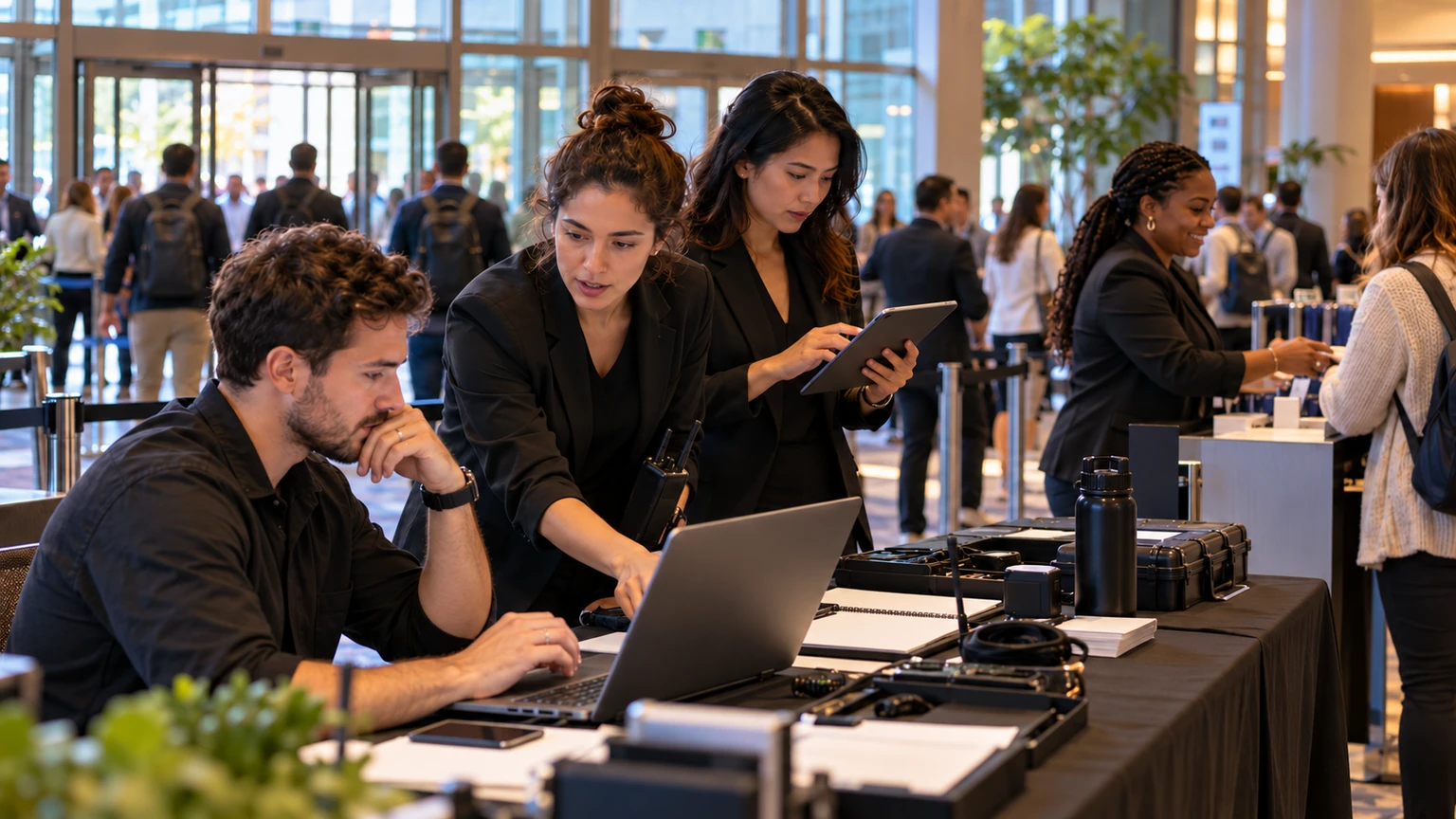
AI is becoming part of real event delivery, not just product marketing.
A useful public signal here is that AI software will help power an event bringing together more than 2,500 event professionals. That matters because it places AI in a live operating context, where organiser expectations usually revolve around speed, clarity, support for staff, and reduced friction for attendees.
For event organisers, operations teams, and event tech buyers, the practical question is not whether AI sounds promising. It is which AI features are useful under event pressure, and how to evaluate them without over-claiming what the technology can do.
In large events, the value of AI is rarely in novelty alone. It matters when it removes repetitive work, improves response speed, or helps teams make cleaner decisions with less confusion.
Why this matters for event operations
Once an event reaches meaningful scale, small inefficiencies multiply quickly. A delayed answer, unclear attendee message, slow support handoff, or badly prioritised task can affect thousands of people across registration, agenda planning, sponsor delivery, and on-site support.
That is why AI is worth discussing in practical terms. Used carefully, it may help event teams handle volume better in areas such as:
- attendee questions before the event
- content or agenda discovery
- staff support for repetitive admin tasks
- faster sorting of inbound requests
- post-event analysis of recurring issues or feedback themes
These are operational use cases, not abstract innovation talking points.
What the public signal tells us, and what it does not
From the source idea provided, the confirmed signal is narrow but relevant: AI software will help power an event with more than 2,500 event professionals.
That is enough to support a grounded discussion about which AI features may be useful at larger events, and how organisers should assess them.
What this does not confirm on its own is:
- which exact AI features are being used
- how deeply those features are integrated into the event workflow
- whether the AI is attendee-facing, staff-facing, or both
- what measurable outcomes the organiser expects
- how accurate or reliable the outputs will be in practice
- whether the deployment reduced cost, improved conversion, or saved time
That distinction matters. The public signal supports the topic. It does not justify assuming one exact product design, one exact implementation model, or one proven outcome.
Evidence-aware organisers should treat AI event announcements as signs of operational experimentation and market direction, not as proof that every AI workflow already works well under live conditions.
Which AI features are most practical for large events
Not every AI feature deserves equal attention. For large event operations, the most useful ones are usually the least theatrical.
1. Attendee question handling
Large events often receive repeated questions about timings, locations, access rules, badges, speakers, transport, or exhibitor details. AI can be helpful when it supports fast answers to common questions through well-structured event information.
Organisers should assess:
- whether answers are based on current event data
- how exceptions are escalated to a human team
- whether the system can handle ambiguous questions clearly
- how easy it is for staff to correct or update information
If the handoff path is weak, automation can create frustration instead of relief.
2. Agenda and content discovery
At larger conferences, attendees can struggle to find the most relevant sessions, exhibitors, or meetings. AI may help by improving search, surfacing useful recommendations, or simplifying how people navigate a busy programme.
This matters most when the event has:
- multiple content tracks
- a dense exhibitor floor
- different attendee types with different goals
- limited time for planning on site
The useful test is simple: does the feature help attendees make better choices faster?
3. Staff-side support for repetitive tasks
Some AI value may sit behind the scenes rather than in front of attendees. Operations teams often handle repetitive messaging, routine summaries, internal notes, and recurring support requests.
Staff-facing AI can be useful when it helps teams:
- draft standard responses faster
- summarise issue categories
- prepare internal handover notes
- spot repeated problems that need operational fixes
That can be valuable during the pre-event period and during live show days, when teams need speed but still require human review.
4. Lead and enquiry triage
Large events generate enquiries from attendees, sponsors, exhibitors, speakers, and partners. AI may help categorise or route those inbound requests more quickly.
For organisers, the key question is not whether AI can label messages. It is whether it routes them accurately enough to reduce delays for the right internal team.
5. Post-event insight support
After large events, teams often review survey responses, support logs, and qualitative feedback. AI may help summarise patterns, group repeated concerns, or identify operational themes that deserve follow-up.
This can be useful if organisers still validate the findings themselves. Pattern recognition is helpful. Final judgement should remain with the event team.
How organisers should compare AI event vendors more practically
Vendor comparison gets easier when organisers stop asking who has the most AI and start asking who handles the most important workflow with the least operational risk.
Start with one pressure point
Choose one area where volume is already painful: attendee FAQs, agenda navigation, inbound requests, support backlog, or post-event feedback analysis.
If the use case is vague, evaluation becomes vague too.
Ask what the AI depends on
AI quality is often shaped by its inputs. Organisers should ask:
- what data source the feature relies on
- how often event information updates
- who controls the source of truth
- how corrections are made during live operations
A smart interface is less useful if the underlying event data is outdated or inconsistent.
Test for failure handling
Every AI feature should be evaluated not only on best-case answers, but on awkward cases.
For example:
- What happens when the attendee asks something unclear?
- What happens when event details have changed recently?
- What happens when the system is unsure?
- How quickly can a human step in?
These questions matter more than polished demo flows.
Check frontline usability
Even strong AI features can fail if event staff do not trust them or cannot override them easily. Frontline teams need clarity, not mystery.
Useful buyer questions include:
- Can staff see what information the response is based on?
- Can they edit, correct, or replace outputs quickly?
- Can they escalate exceptions without starting over?
- Can new temporary staff learn the workflow fast?
A practical implementation playbook for organisers
Large-event AI rollouts work better when they are narrow, observable, and reversible.
1. Define one job to be done
Do not begin with a broad goal like using AI across the event. Begin with one operational job, such as reducing repetitive attendee questions before arrival or improving content discovery inside a large programme.
2. Set a human fallback
AI should not become a dead end. Make sure attendees and staff can still reach a human team when the situation is unusual, urgent, or sensitive.
3. Build a clean source of truth
If venue details, agenda changes, access rules, and support contacts live in different places, AI outputs may become unreliable. Organisers should clean up the event information structure before expecting good AI performance.
4. Pilot before full dependence
Use a contained test first. That could mean one audience segment, one part of the programme, or one class of support request. Measure whether the feature actually saves time or improves response quality.
5. Review live issues quickly
During the event, assign someone to review where the AI succeeded, where it confused users, and where escalation happened most often. That feedback loop matters more than post-event optimism.
Where organisers should be careful
AI can help, but there are consistent risk areas that event teams should plan around early.
- Over-automation: not every attendee question should be answered automatically
- Weak data hygiene: poor event data leads to poor AI outputs
- No exception design: unusual cases are common in live events
- Demo bias: polished examples do not prove live reliability
- Unclear ownership: someone still needs to maintain content, review outputs, and monitor performance
These risks are manageable, but only if they are acknowledged upfront.
Where teams often get this wrong
The most common mistake is buying AI as a signal of modernity instead of as a response to an operational bottleneck.
Another is treating AI as a layer that can compensate for messy workflows underneath. In reality, unclear processes, inconsistent event information, and poor staff coordination often show up more visibly once automation is added.
Some teams also expect AI to reduce workload immediately without allocating anyone to manage the rollout. In practice, new tools often need active supervision before they save time consistently.
A simple evaluation checklist for AI at large events
- Is the use case specific and operationally important?
- Does the feature rely on a reliable event data source?
- Can staff correct outputs quickly?
- Is there a clear human fallback?
- Can the organiser test it before full deployment?
- Will success be measured with real operational indicators, not just feature usage?
- Does it reduce friction for attendees or staff in a visible way?
What this means for event teams
The signal of AI software helping power a large event is worth paying attention to, especially when the audience includes more than 2,500 event professionals. It suggests that AI is moving deeper into real event workflows, where performance matters more than hype.
For organisers, the practical takeaway is straightforward. Focus on narrow, high-friction tasks first. Compare vendors by workflow strength, not by the volume of AI claims. Test live-operational fit early. Keep humans in the loop where judgement still matters.
In events, the best AI features are usually the ones that make the day run more calmly, more clearly, and with fewer avoidable delays.