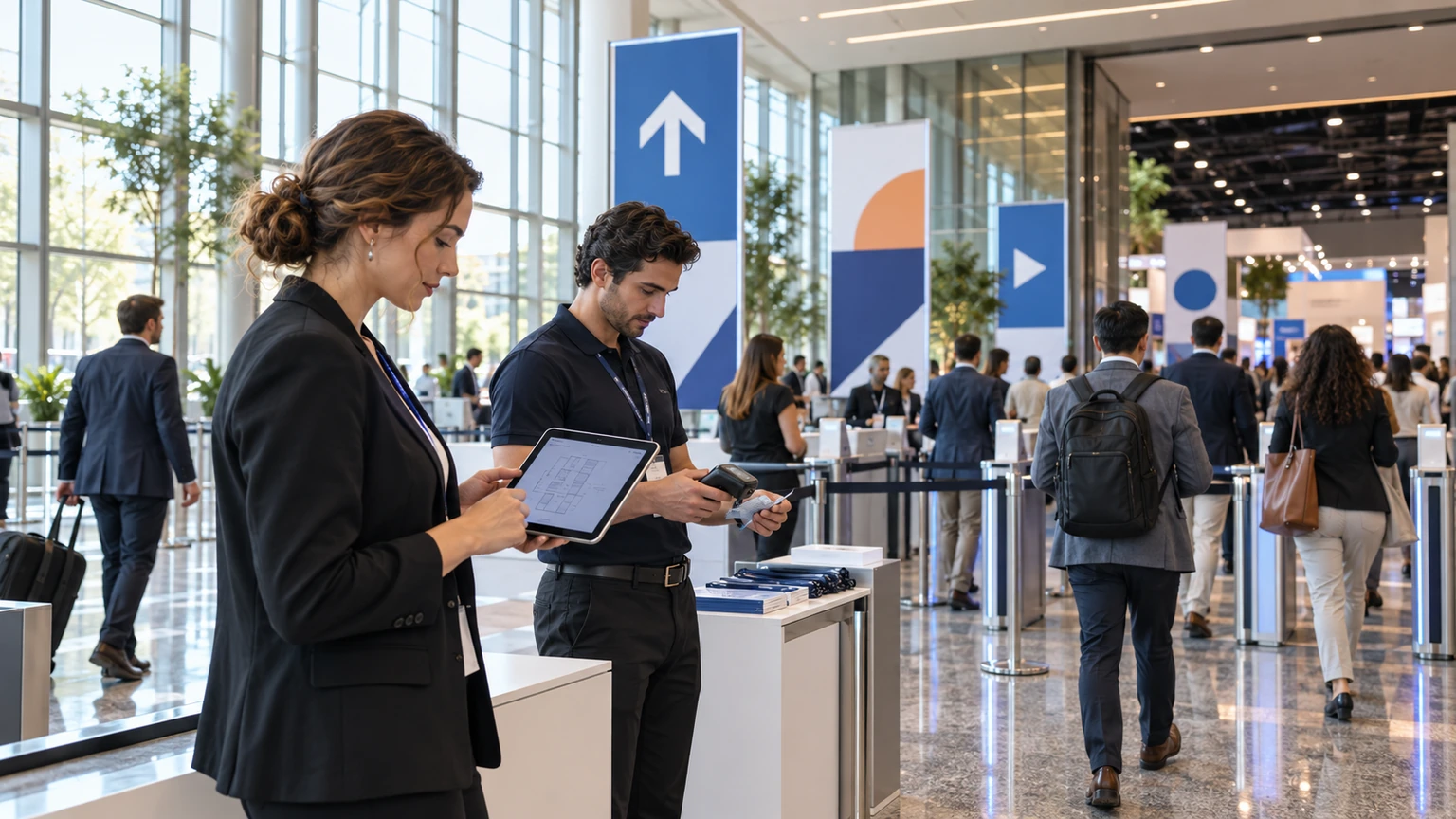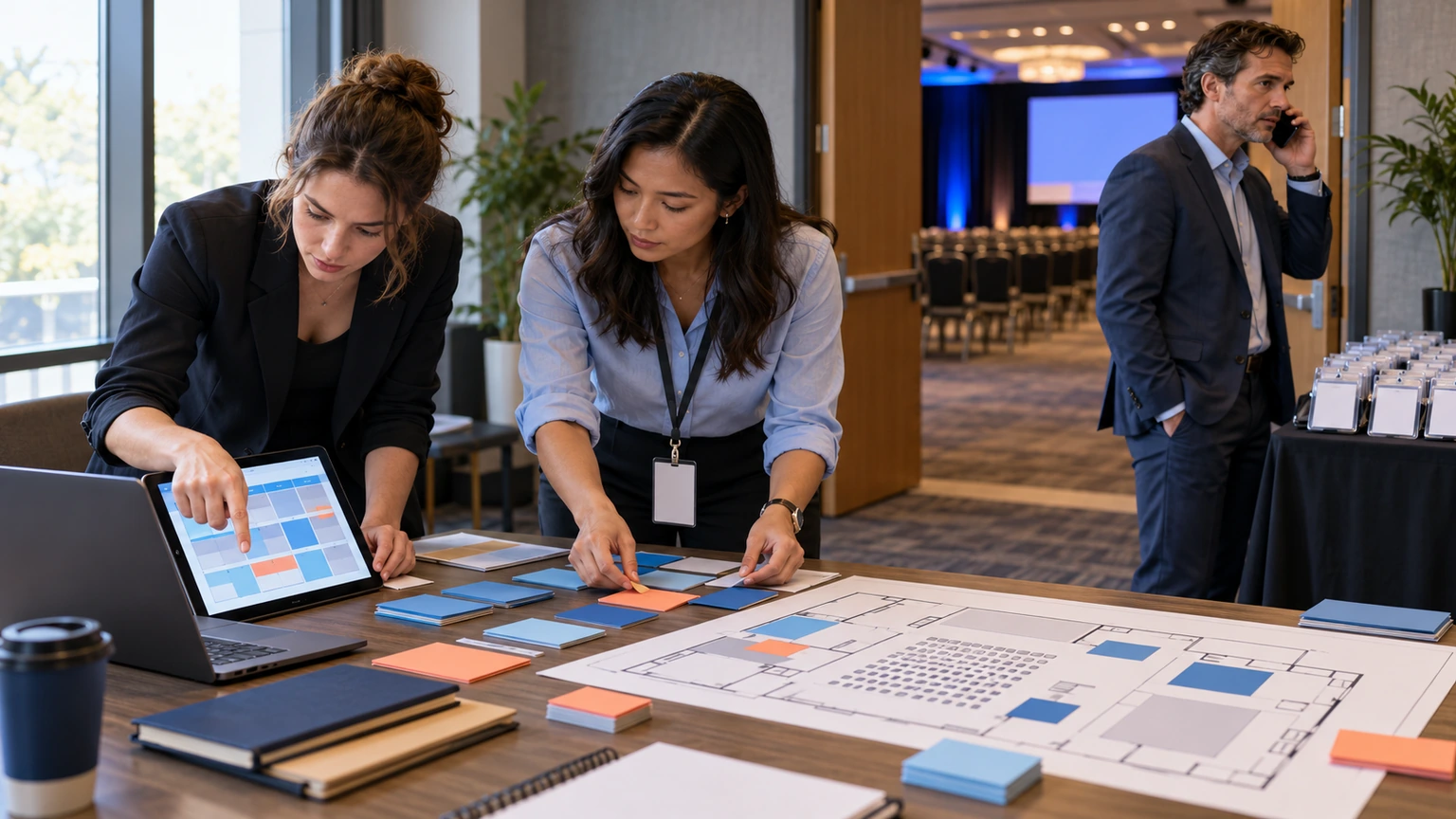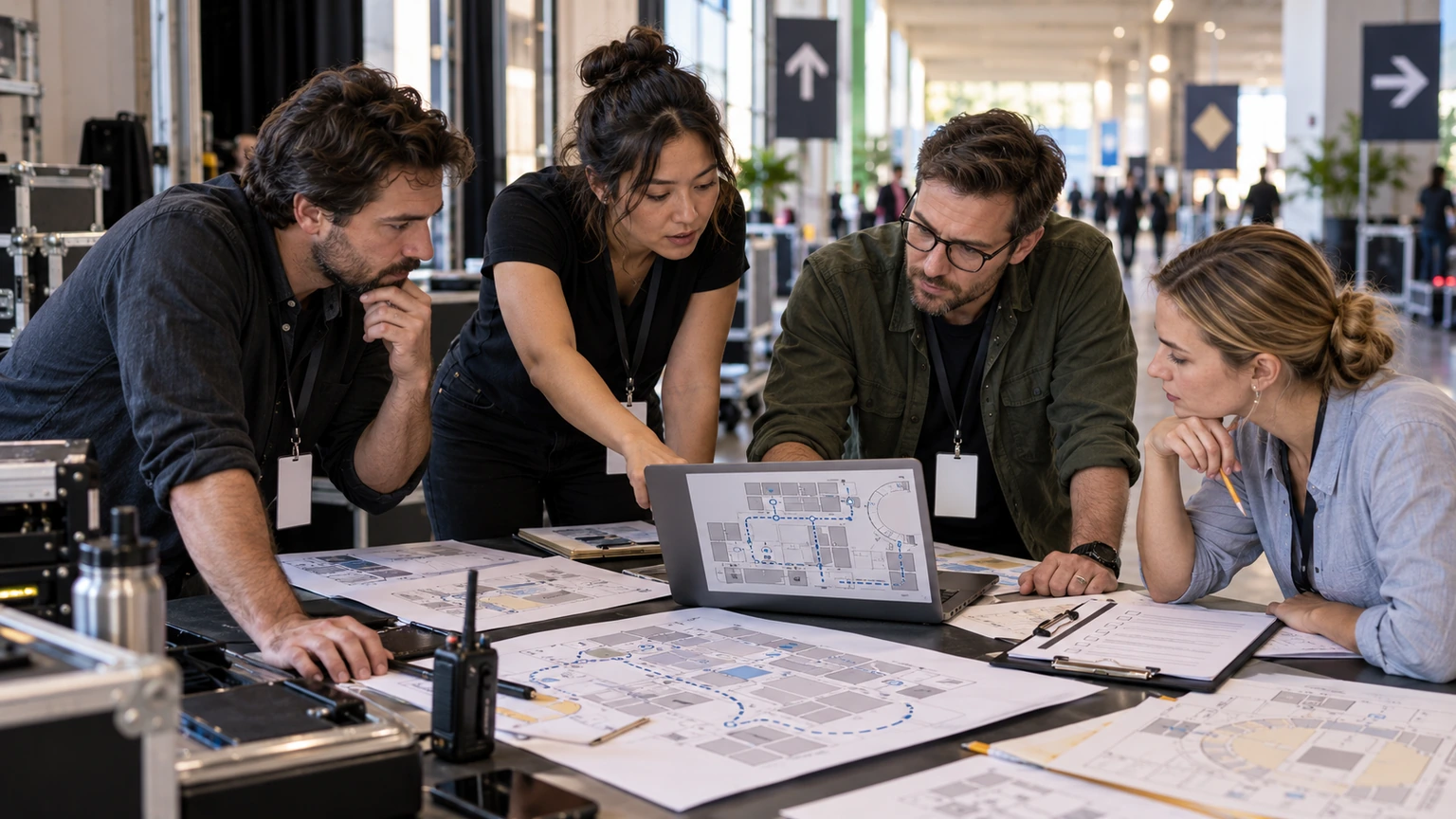
AI-native event tools are getting more attention in event planning and on-site operations. That includes products positioned around mapping, automation, and so-called agentic workflows.
For event teams, the challenge is not spotting the trend. It is deciding what is actually useful in a live operating environment.
One current market signal is the announcement of an AI-native mapping product from Nextech3D.ai, framed around agentic AI for the event industry. That is worth watching. It is not, by itself, enough to prove operational value.
An AI event tool should be judged by what it improves during planning and on-site delivery, not by how advanced the launch language sounds.
Why this matters for event operations
Event teams do not buy software to admire the category. They buy it to reduce friction.
If a tool cannot make work clearer, faster, or easier to control, it does not matter how modern the positioning is.
That is especially true for AI-native products, because they often arrive with broad claims and limited public evidence. In events, small workflow failures become visible quickly:
- attendees cannot find the right place
- staff rely on manual workarounds
- maps and locations fall out of date
- vendors work from different versions of the plan
- on-site teams lose time checking what is current
- organisers still need a person to validate every important action
So the real question is simple: does the tool reduce operational uncertainty, or just package it differently?
What the public signal tells us, and what it does not
From the source idea provided, the confirmed signal is narrow but relevant: Nextech3D.ai has unveiled an AI-native mapping product and is framing it in terms of agentic AI for the event industry.
That is enough to support a practical discussion about how buyers should evaluate AI-native event tools.
What this signal does not confirm on its own is:
- how accurate the product is under live event conditions
- how much manual setup is still required
- whether organisers can trust outputs without review
- how quickly maps or plans update when the event changes
- what ROI customers have measured in practice
- how well the product fits existing event operations
That distinction matters. A launch can show direction. It does not replace evaluation.
Evidence-aware buying means separating category excitement from workflow proof.
What “AI-native” should mean to an event team
For buyers, “AI-native” should not mean “has AI somewhere in the stack.” It should mean the product was designed so AI meaningfully supports the work the team is already trying to do.
In event operations, that usually means one or more of the following:
- faster creation or updating of event assets
- better handling of repetitive planning tasks
- clear assistance when information changes late
- more usable outputs for staff and attendees
- less manual coordination across tools and teams
If the AI layer does not improve one of those outcomes, the label is less important than the workflow itself.
Where AI-native tools may help first
Venue and floor mapping
Mapping is a credible area for AI interest because event layouts are operationally important and often change under time pressure.
A useful mapping tool might help teams keep venue information current, communicate location details more clearly, and reduce confusion across attendees, exhibitors, and staff.
But the buying test is practical: does it help the event team manage real changes with less delay and fewer mistakes?
Pre-event planning support
AI tools may also help organise planning inputs, summarise changes, or assist with repetitive preparation work.
That can be valuable, especially when teams are managing multiple deadlines and many contributors. Still, assistance is not the same as decision ownership. Event teams should assume important operational outputs still need human review.
On-site information handling
During live delivery, the most useful tools are usually the ones that help staff find the latest correct answer quickly.
If AI helps surface accurate room, exhibitor, or schedule information faster, that can reduce friction. If it introduces uncertainty, it creates more work than it removes.
A practical framework for evaluating AI-native event tools
1. Start with the operating problem
Do not begin with the demo. Begin with the failure point you want to reduce.
Examples include:
- attendees getting lost between sessions
- staff working from outdated floor plans
- slow updates when spaces or schedules change
- manual effort to maintain venue information
- poor visibility across planning and on-site teams
If the problem is vague, the buying process will be vague too.
2. Ask what the tool replaces
Every product sounds efficient when compared with a blank slate. The more useful comparison is against your current method.
Ask:
- What manual steps would this remove?
- Which team would save time?
- What errors should become less likely?
- What still needs to be checked by a human?
If the answer is mostly “it helps us explore possibilities,” that may still be useful, but it is different from operational improvement.
3. Test live-change handling
Events rarely fail because the original plan existed. They fail because the plan changed.
So evaluate how the tool behaves when:
- a room is reassigned
- an exhibitor location changes
- a sponsor asset is updated late
- wayfinding details need correction
- multiple teams need the new version immediately
This is where many tools reveal whether they support operations or simply create outputs.
4. Check the trust model
AI tools often create a hidden question: when is the output safe to act on?
Your team should know:
- which outputs are draft-level
- which outputs are attendee-facing
- who approves updates
- how changes are tracked
- what staff should do if something looks wrong
If trust rules are unclear, on-site teams will either ignore the tool or over-rely on it.
5. Measure against one short event cycle
Do not ask the product to prove everything at once.
Pick one event, one use case, and a few simple measures such as:
- time saved updating maps or location information
- fewer attendee wayfinding complaints
- faster staff access to current location data
- reduced manual rework before show open
A narrow pilot gives you better evidence than a broad promise.
Questions buyers should ask vendors
When a tool is presented as AI-native, event teams should ask plain operational questions.
- What specific planning or on-site task does this improve?
- What input does the system require from our team?
- How does it handle last-minute event changes?
- What still requires human approval?
- How do staff know which version is current?
- What customer evidence can you share from real event use?
- What does success look like after one event, not one year?
These questions are not anti-AI. They are pro-operations.
Where teams often get this wrong
They buy the category, not the use case
Interest in AI can push teams into broad procurement language. That usually leads to weak adoption because nobody owns one concrete result.
They test in ideal conditions only
A clean demo is not the same as a crowded live venue, multiple stakeholders, and late sponsor changes.
They confuse faster output with better operations
A plan generated quickly is only useful if it stays accurate, reviewable, and usable by the people running the event.
They skip the handoff question
Many tools look good in planning, then break at the point where front-of-house, exhibitors, venue staff, or contractors need the same answer.
A simple evaluation standard for event teams
If you need a short internal standard, use this:
We will consider an AI-native event tool credible when it improves one defined workflow, handles live changes clearly, keeps human accountability visible, and shows measurable value in a real event cycle.
That standard is demanding, but fair. It protects the team from chasing novelty while leaving room for useful adoption.
What this means for event teams
AI-native event tools may become genuinely important, especially in areas like mapping, coordination, and repetitive planning work. The direction is worth paying attention to.
But practical value in events is earned the same way it has always been earned: by reducing confusion, cutting manual work, and helping people act on the right information at the right time.
For organisers, venue operators, and event tech buyers, the goal is not to avoid AI-native products. It is to evaluate them with operational discipline.
That is how you find the tools that are actually ready for live events, and avoid the ones that are still better at headlines than delivery.