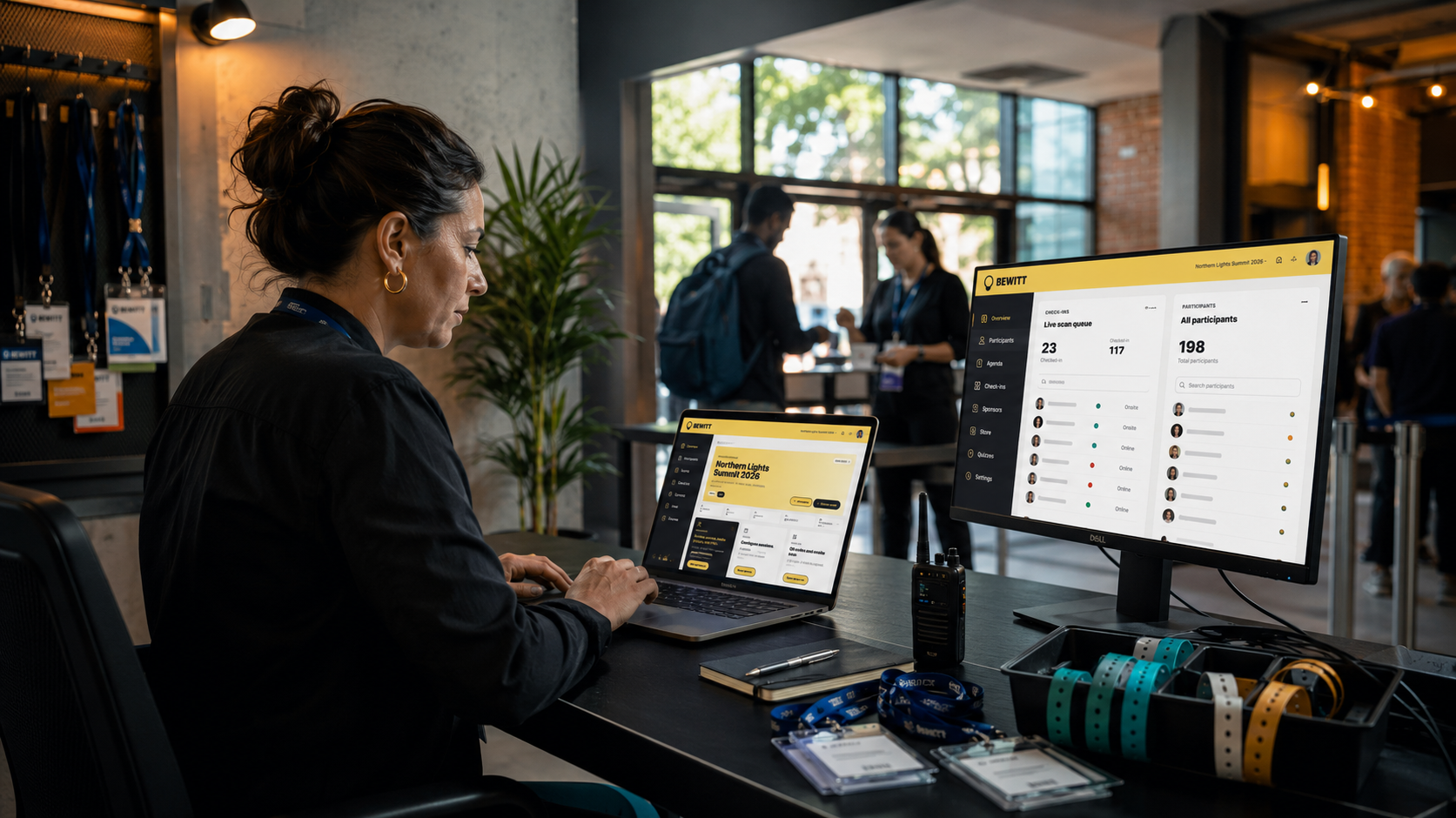
Ticketing used to be the place where money changed hands, and the rest of the event happened somewhere else.
That split is getting harder to defend. For organizers, ticketing now sits right next to registration, participant access, attendee data, and the first part of the event-day experience. In other words, it is becoming part of the operating system.
If ticketing is the front door, it should know what happens after people walk in.
What changed
Events are more operationally connected than they used to be. A ticket choice can affect access, capacity, pricing, discounts, participant details, and reporting. If those pieces live in separate tools, organizers spend more time stitching the event together than running it.
That is why modern ticketing is no longer just about checkout. It has to support the full path from sign-up to attendance:
- what ticket someone selected
- what information they provided during registration
- how they join the event
- what the organizer can see in the dashboard
- what gets reported after the event
Ticketing now touches the whole event
When ticketing is connected to the rest of the event workspace, it becomes much easier to keep the event record clean. The same setup can support paid tickets, public or private joining, custom registration fields, participant access, and agenda-aware event experiences.
That matters because organizers do not usually need more software. They need fewer disconnected steps.
Here is what that looks like in practice
- Registration can collect the right attendee details during join.
- Ticket tiers can reflect different pricing or access paths.
- Discount codes can be applied before checkout, with totals calculated clearly.
- Group quantities can support one purchase for multiple attendees.
- Participant records can stay tied to the event instead of living in spreadsheets.
Why organizers are asking for more from ticketing
Most event teams are not looking for a flashy checkout page. They are looking for fewer handoffs.
That usually means a platform needs to help with practical work such as:
- selling the right ticket tier
- handling joins and registrations in one flow
- showing participants the right event experience after sign-up
- keeping reporting aligned with actual sales and attendance
When those steps are separate, small errors multiply. A ticket sale in one tool, a participant record in another, and check-in data somewhere else can make even a simple event feel messy.
The more ticketing behaves like infrastructure, the less time the team spends translating between tools.
What Bewitt supports
Bewitt is built around the practical side of event operations. That includes registration, participant access, agenda management, check-ins, feedback, payments, branding, and reporting in one event workspace.
On the ticketing side, organizers can set up ticket tiers, manage discount codes, grant comp tickets, and track sales reporting by tier, discount, and comp usage. Attendees can select a ticket tier during registration, enter a discount code, and purchase group quantities where allowed.
That is useful when you want ticketing to do more than collect payment. It should help the event run.
- Ticket tiers help organizers separate pricing and access paths.
- Discount codes support promotions without manual work.
- Comp tickets make it easier to handle invited participants.
- Reporting keeps sales and inventory visible to the organizer.
What to look for in a ticketing platform
If you are reviewing your stack, a useful question is simple: does ticketing help the event operate, or does it stop at payment?
Look for systems that can keep these things connected:
- registration and attendee data
- ticket tiers and access rules
- participant login and event joining
- agenda and event-day activity
- reporting after the event
That is the difference between a checkout tool and an event operating layer.
A practical way to think about it
Not every event needs every module. A small event may only need registration and ticketing. A larger program may need agendas, check-in behavior, participant features, and post-event reporting too.
The point is not to add complexity for its own sake. It is to keep the core workflow in one place, so the team is not rebuilding the same event across forms, inboxes, spreadsheets, and ticketing tabs.
Ticketing is becoming the part of the stack that connects everything else. For organizers, that is good news, as long as the platform is built for real event work.
Bewitt is built for fewer disconnected tools, with ticketing, registration, participant access, agenda management, check-ins, feedback, payments, branding, and reporting in one event workspace. Book a demo or start creating an event.
One place for the chaos is still a pretty good idea.