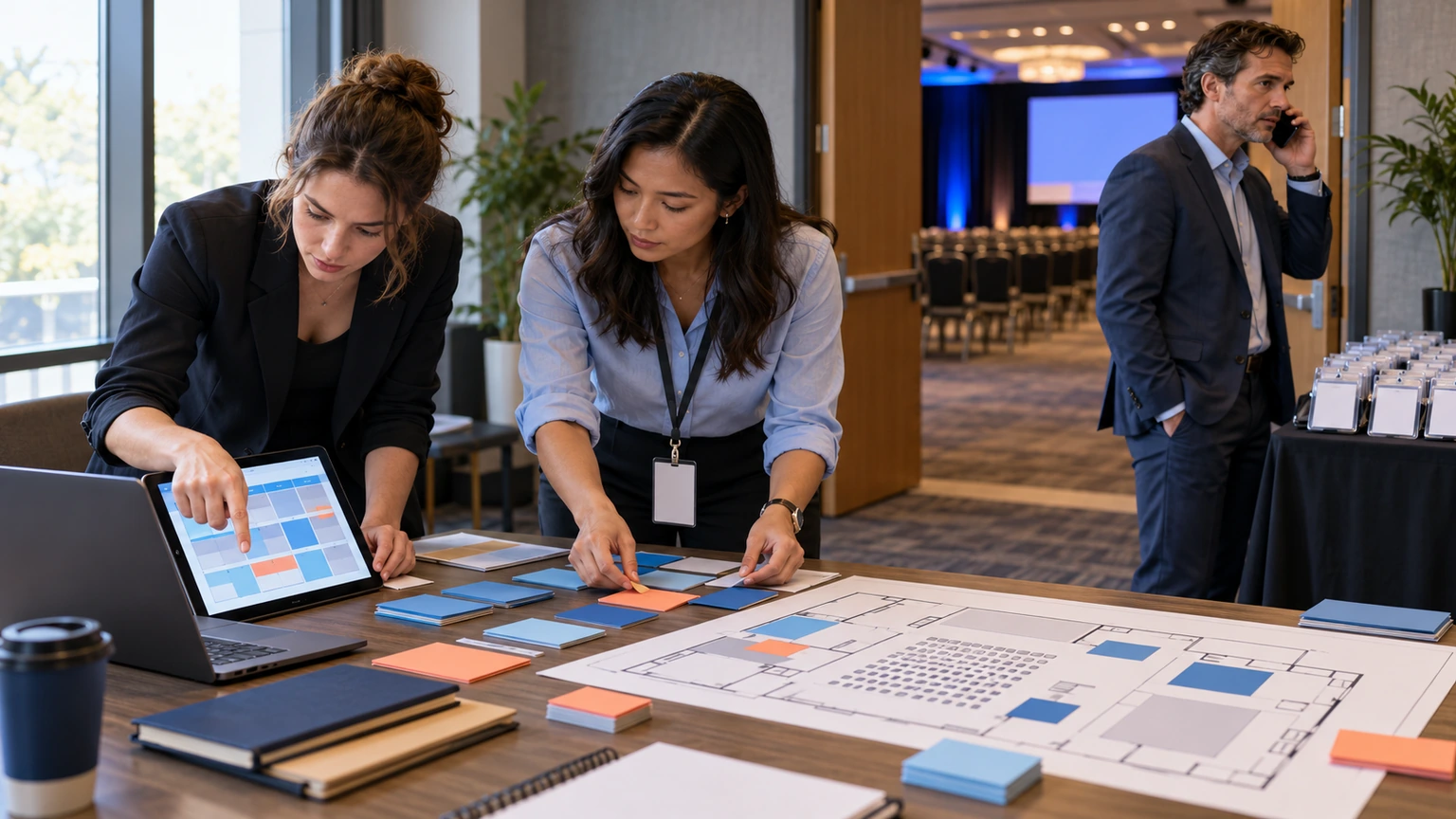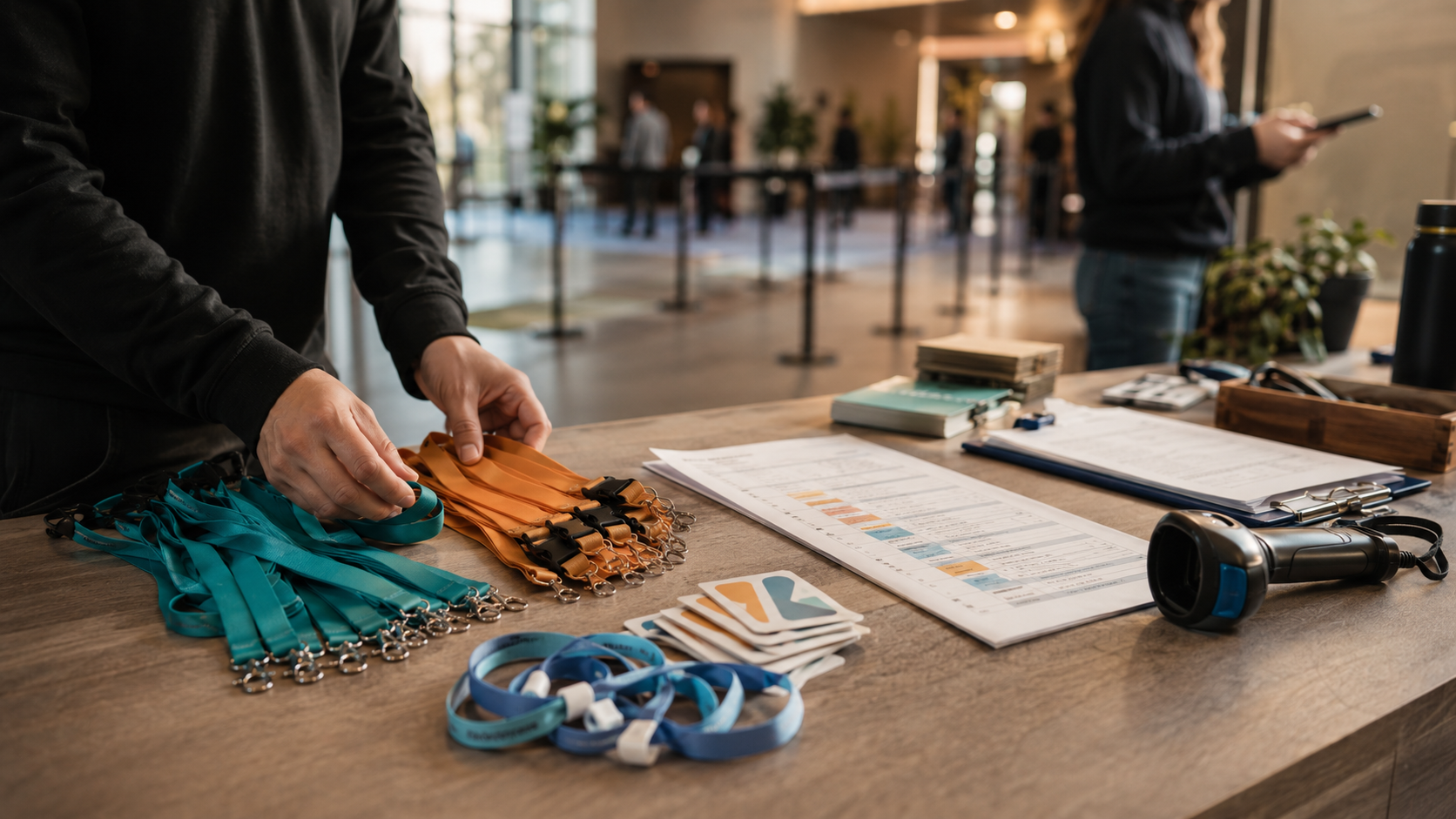
Event work gets messy when the “what’s enabled?” question is unclear, and when event-day actions (like check-in) don’t match how your staff actually runs the door.
This changelog is about making the workspace feel more intentional: enable the modules you need, run teams when it fits, and pick the right check-in behavior for your event.
Your event shouldn’t require a mental map of hidden pages and half-enabled features. If a module is off, it should stay out of the way.
Why it matters
Most organizers aren’t trying to “use more software.” They’re trying to keep the core ops consistent: registration, participant access, agenda, check-in, engagement (when enabled), feedback, and reporting.
These updates reduce dead ends, make team-based participation easier to run, and improve check-in flows so staff can work quickly on event day.
What changed
Organizer: Modules hub (activate what you need, hide what you don’t)
- Searchable Modules hub: a clearer place to activate/deactivate event modules.
- Cleaner organizer navigation: dashboards and event surfaces now focus on enabled areas (less wandering, fewer “why is this here?” moments).
Organizer + participant experience: Teams is now a first-class feature
- Organizer Teams management: create and edit teams, set captains, assign members, control capacity, and define self-join rules.
- Team participation features: team points, readiness checks, event stats, and team leaderboard support.
- Participant Teams navigation: attendees can browse teams, view profiles/members/ranks/scores, and access “My team.”
- Self-join and switching: participants can self-join, switch teams, and (when allowed) create teams.
- Participant flow ties into leaderboards: team leaderboard links are available from the participant leaderboard.
Check-in + session notes: fewer assumptions, more control
- Check-in behavior settings: configure mixed, self, and staff-led check-in flows based on how your event actually runs.
- Staff-led session check-ins via the digital badge: staff can check attendees into agenda sessions using the digital badge, with session context.
- Session notes now follow agenda item settings: notes behavior is controlled per agenda item, rather than relying on a legacy “Session notes” module.
Public + SEO + localization: more consistent surfaces
- Public pages respect module enablement: public blog/sitemap/static pages and related SEO routing now reflect what’s enabled.
- Localized routes: Dutch and Portuguese paths are available for Modules, Teams, and relevant UI settings.
If you run cohorts, challenges, or sponsor-driven activities, Teams can make participation feel structured. If you don’t, keep it off and keep the workspace clean.
Availability
These updates were recorded in the Bewitt product changelog on 2026-07-03.
If you want to see how this looks for your event workflow (modules, teams, and check-in), you can Book a Demo or start an event and explore the Modules hub.