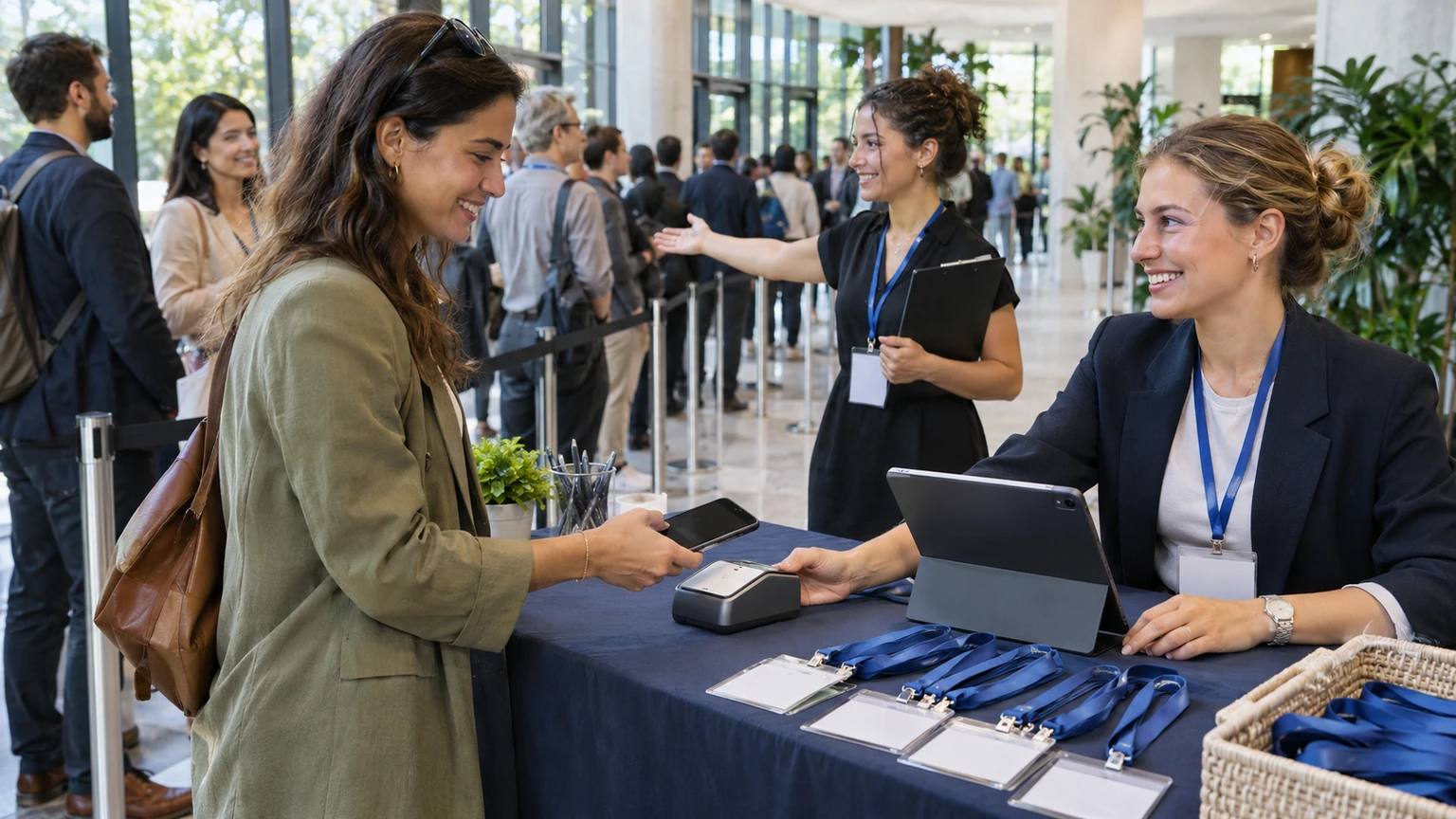
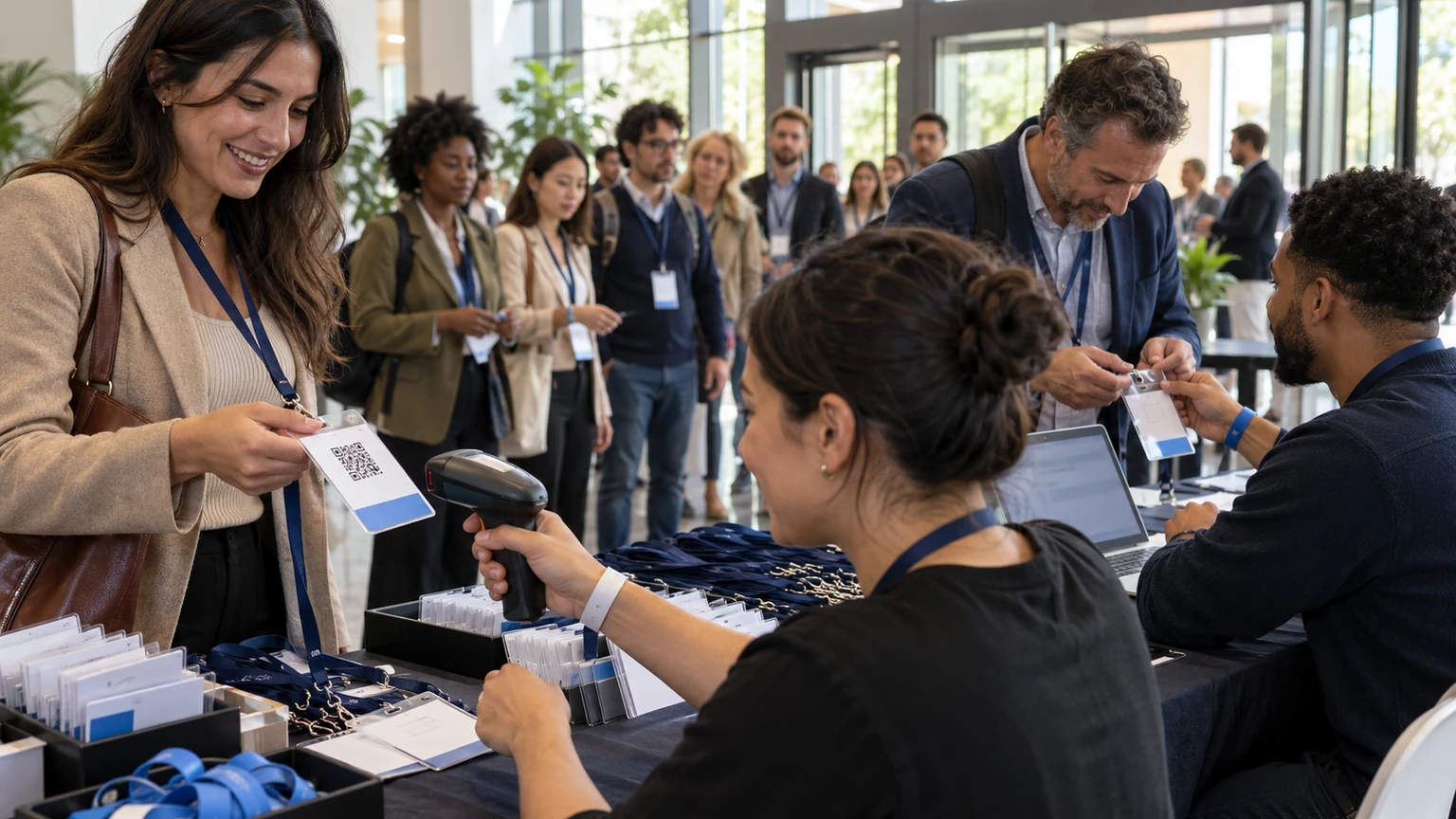
Many teams treat on-site check-in as a simple door task. Scan the badge, let people in, move the line.
That works right up until the real event starts happening.
A name change comes through. Someone switches sessions. A participant was registered, but the scanner says no. Another person was checked into the event, but not into the workshop they are trying to enter. Staff open one tab for badge scans, another for attendance, and another for participant updates. Then the queue forms.
The problem is usually not the scanner itself. It is that the team is trying to run one live event from multiple disconnected views of the same attendee.
Check-in gets slow when staff have to decide which screen reflects reality.
Why this matters for event operations
At the venue, delays are rarely caused by one dramatic failure. More often, they come from small mismatches that force staff into manual decisions.
When badge scans, agenda attendance, and participant changes are separated, common issues include:
- people appear checked in at the event level but not for specific sessions
- last-minute registration edits do not match what front-desk staff can see
- duplicate participant records create confusion at the scanner
- staff admit someone based on one screen, then discover a conflict in another
- attendance counts need manual cleanup after the event
- queues grow because every exception takes longer to resolve
None of this feels like a strategic problem when planning starts. It becomes one very quickly on event day.
What the practical signal tells us, and what it does not
The useful signal behind this topic is straightforward: on-site check-in becomes harder to run when attendee identity, agenda participation, and live participant updates are handled in separate places.
That is enough to support a practical operations framework.
What it does not prove on its own is:
- that every event needs the same check-in flow
- that all queues are mainly caused by technology
- that one scanning step should control all access decisions
- that every participant update should be handled at the door
- that better operations always require more complex tooling
That distinction matters. Good check-in is a coordination problem first. The door only exposes it.
The front desk is where disconnected planning becomes visible.
Where on-site check-in usually starts to break
Event-level check-in and session-level attendance drift apart
Someone arrives, gets scanned, and is correctly marked present for the event. Later, they join a breakout, workshop, or meal function that uses a different attendance process.
If those actions do not connect cleanly, your team ends up with several partial truths:
- the attendee was present
- the attendee entered the venue
- the attendee joined a session
- the attendee changed plans during the day
Each may be true, but staff need them tied to the same participant record.
Participant changes happen faster than staff screens update
On event day, participant data keeps moving. Names are corrected. Tickets are reassigned. Access rights change. Workshop choices shift. Staff roles update. VIP guests are added late.
If those changes live in a separate workflow from live check-in, front-of-house staff are forced to verify by memory, chat message, email, or phone call. That is when a ten-second scan becomes a two-minute conversation.
Different teams work from different lists
The registration desk may use one attendee list. Room staff may use another. Hospitality may have a printed export. Session moderators may rely on a manual roster.
Once that happens, no one is fully wrong, but no one is fully aligned either.
That creates familiar friction:
- people are sent back to registration unnecessarily
- staff override rules inconsistently
- attendance reporting becomes unreliable
- post-event reconciliation takes longer than it should
What a shared operational view looks like
The goal is not to make every check-in identical. The goal is to make every attendance action refer back to the same event reality.
In practice, that means staff should be able to trust that:
- the participant record is current
- the badge or QR code points to that same record
- event-level check-in and agenda-level attendance are connected
- recent participant changes are visible where they matter
- exceptions can be handled without creating a second unofficial process
This reduces the need for staff to compare tabs under pressure.
One attendee, one live record
The most useful standard is simple: every operational touchpoint should refer back to one participant record for that event.
That does not mean every staff role needs the same permissions or view. It means the badge scan, the agenda check-in, and the participant update should all describe the same person in the same event context.
If a participant changes from one session to another, that should not create a guessing exercise at the room entrance.
Session attendance should add detail, not create a second version of reality
Agenda check-ins are valuable because they show what people actually joined, not just who arrived at the venue.
But they work best when they extend the main event record instead of splitting from it.
That helps teams answer practical questions quickly:
- Has this person already checked into the event?
- Are they eligible for this session?
- Was their booking or access updated?
- Is this a duplicate badge issue or a genuine record problem?
How to reduce door friction before the event opens
Decide what staff need to resolve at first contact
Not every edge case should be solved at the scanner.
Before the event, define which issues front-desk staff can handle immediately and which should move to a support lead. For example:
- simple name corrections
- finding a participant by alternate details
- reprinting or reissuing a badge
- confirming a recent participant update
- routing access disputes to a supervisor
This prevents every exception from becoming a group discussion at the entrance.
Set one rule for participant changes on event day
Teams often get into trouble when last-minute edits can happen in several places without a clear control point.
A better working rule is to define:
- who can approve participant changes
- where those changes must be made
- how quickly front-of-house staff should expect them to appear
- what backup process applies if they do not
That sounds basic, but it removes a lot of uncertainty during live operations.
Test the exceptions, not just the happy path
Most event-day failures happen in edge cases that no one rehearsed.
Before doors open, test scenarios such as:
- an attendee whose badge scans but whose session access changed
- a participant whose name was edited that morning
- a reassigned ticket or substitute attendee
- a workshop at capacity with people arriving from a waitlist
- a duplicate record discovered at check-in
If staff know how those cases should be resolved, the line keeps moving.
Where teams often get this wrong
They optimise for the scanner, not the workflow
A fast scan is useful, but it is only one step in a longer process. If the surrounding attendee data is fragmented, the scanner just surfaces problems faster.
They treat session attendance as separate admin
Session attendance is often handled as an afterthought, especially when the main entrance is already working. But once breakouts, workshops, or controlled-capacity sessions start, attendance handling becomes part of the same operational system.
They allow unofficial side channels to become the real process
When staff rely on chat messages, screenshots, spreadsheets, or verbal approvals to resolve participant issues, those side channels quickly become the live source of truth. That may feel practical in the moment, but it creates inconsistency and weak reporting later.
If your staff need a scanner, a spreadsheet, and a messaging app to confirm one attendee, the process is already too fragmented.
A simple working standard for event teams
If you want a practical standard, use this:
- Keep one live participant record per attendee for the event.
- Make event-level and session-level check-ins refer back to that record.
- Route participant changes through one clear operational path.
- Train staff on the exceptions that create the longest delays.
- Review post-event mismatches to fix the process, not just the report.
This is not about perfection. It is about reducing the number of moments where staff have to guess.
What this means for event teams
On-site check-in rarely breaks because people do not know how to scan a badge.
It breaks because the event is being operated through separate tabs that disagree with each other just when speed matters most.
The more your team can keep badge scans, attendance actions, and participant changes tied to the same event record, the easier it becomes to move people through the door, manage agenda access with confidence, and trust the data afterwards.
That is what good check-in should do. Not just admit people, but help the event stay operationally coherent while it is live.