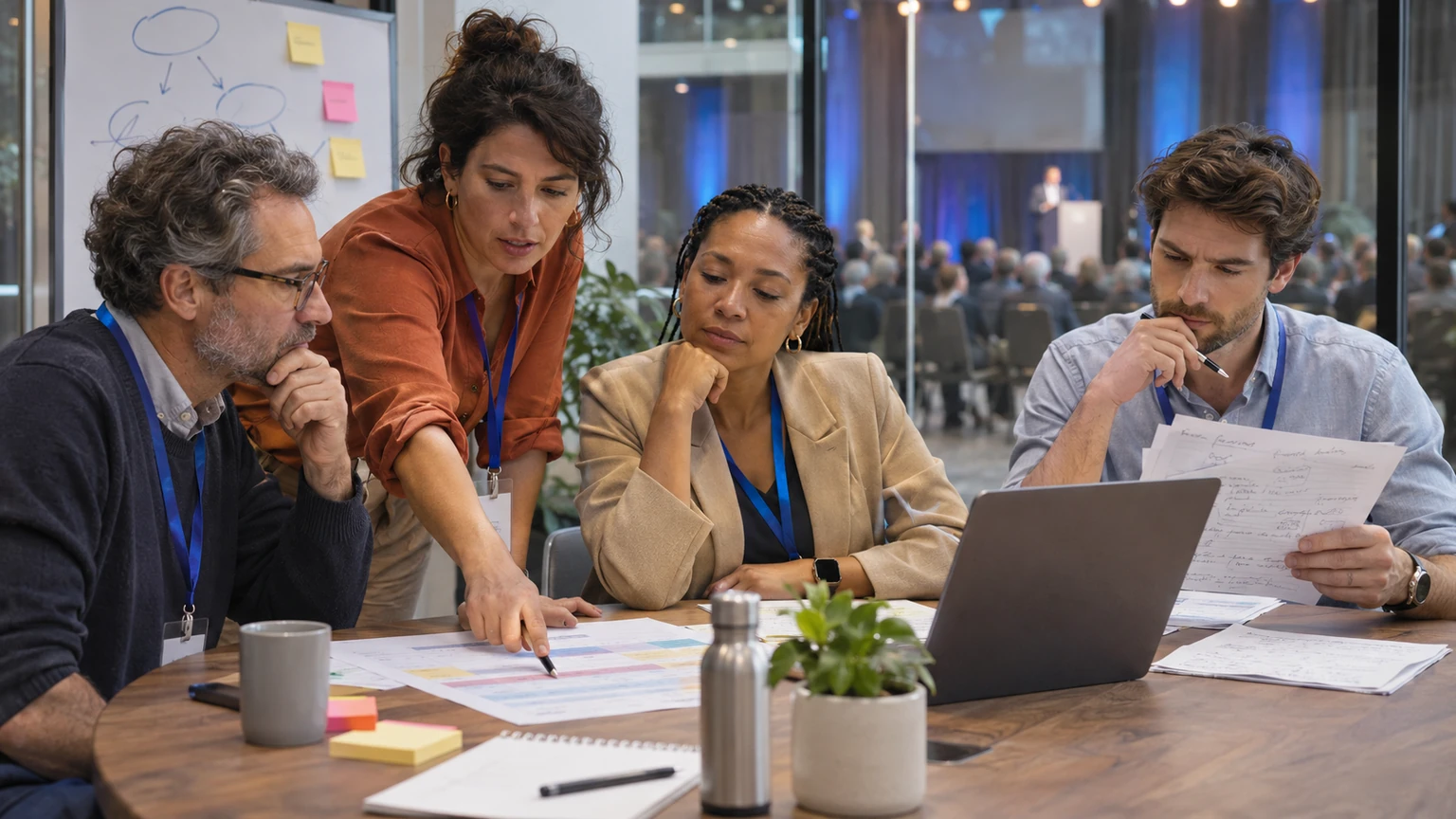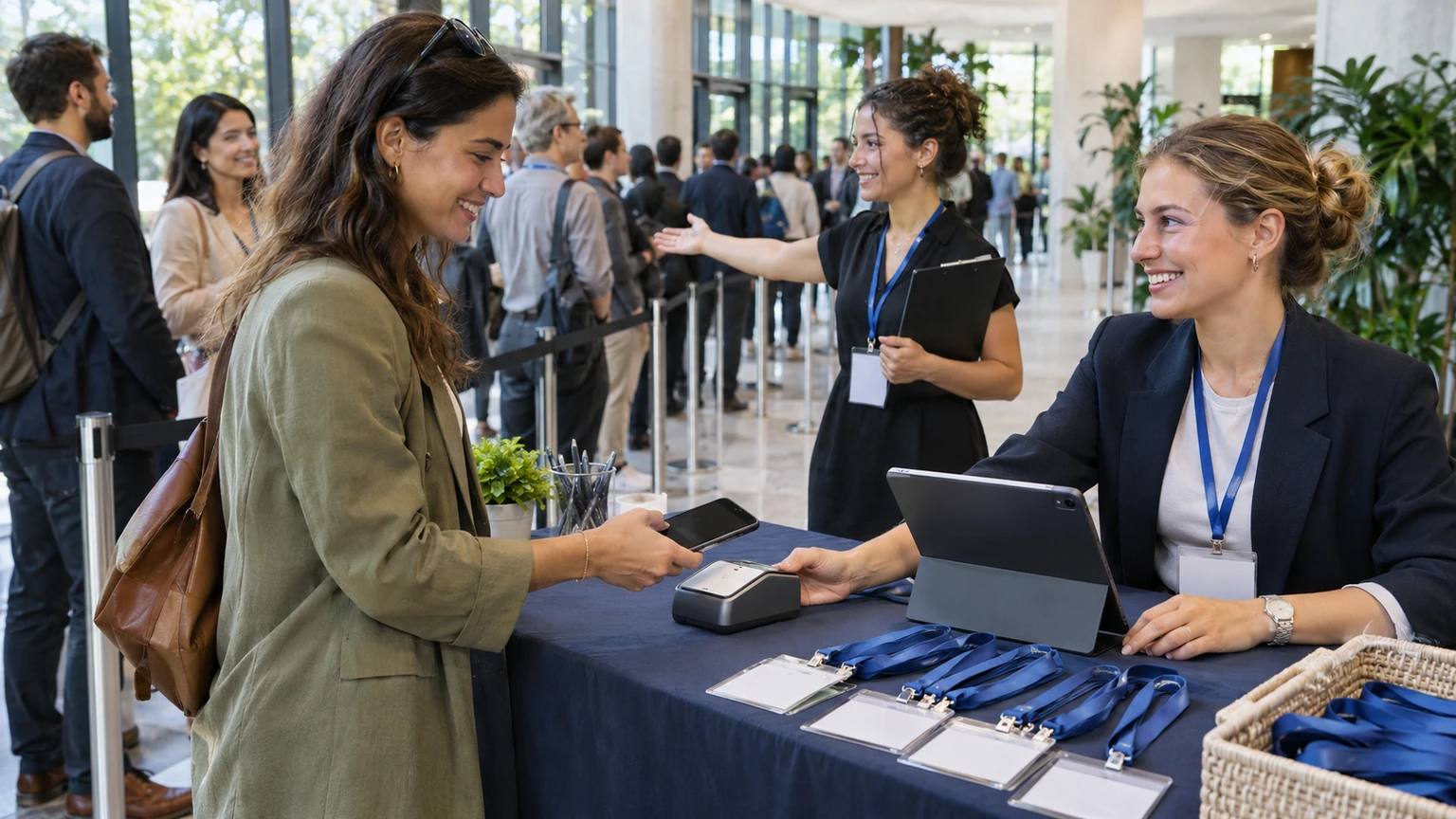
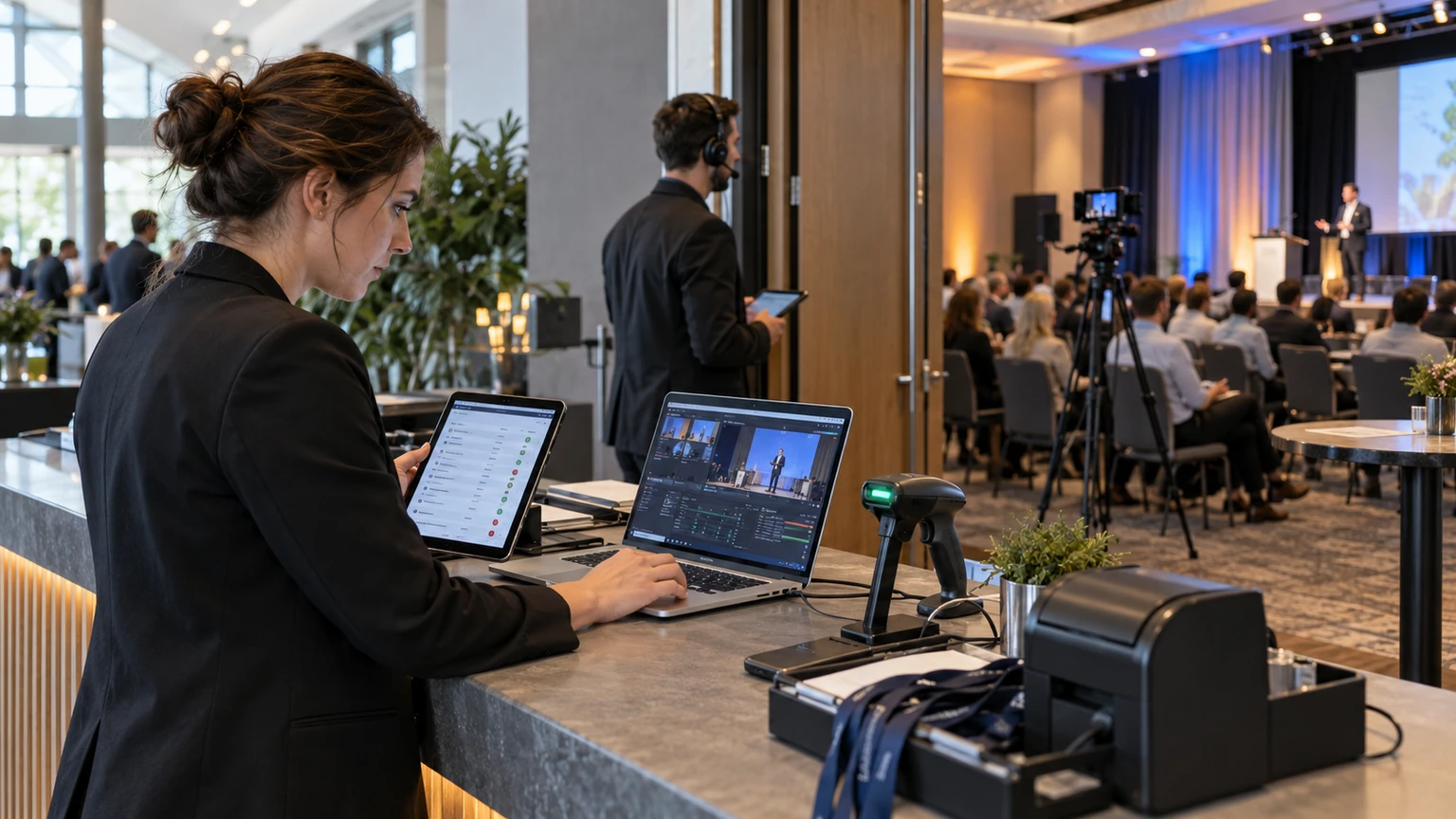
Hybrid events usually start with a simple promise: one event, two ways to attend.
But many teams end up operating something very different. The onsite audience follows one set of updates, the online audience gets another, and the event slowly splits into parallel versions that need separate fixes, separate comms, and separate staff attention.
That is when hybrid gets messy.
The operational problem is not that in-person and remote attendees need exactly the same experience. They do not. The problem starts when they stop sharing the same event record, the same agenda logic, and the same source of truth.
Hybrid works better when teams design for one event system with two modes of participation, not two loosely connected events.
Why this matters for event operations
When hybrid delivery is fragmented, the damage shows up quickly in day-to-day execution.
Common symptoms include:
- different registration forms for online and onsite guests, with inconsistent data fields
- separate agenda versions that fall out of sync after speaker or timing changes
- stream links shared by email while onsite updates live elsewhere
- staff using one attendee list at the venue and another for virtual support
- post-event feedback collected in different formats that are hard to compare
- manual reporting work because attendance data lives in multiple places
None of these issues are dramatic on their own. Together, they create rework all day.
They also confuse attendees. People do not think in terms of your internal systems. They just expect the event to make sense.
What the practical signal tells us, and what it does not
The useful signal behind this topic is straightforward: hybrid events often become harder to operate when online and onsite audiences are managed through disconnected tools, updates, and assumptions.
That is enough to support a practical operations framework.
What it does not prove on its own is:
- that every event needs a fully identical experience for both audiences
- that one workflow suits conferences, exhibitions, summits, and internal events equally well
- that a single tool always solves the coordination problem
- that every team should merge all communications into one channel
- that hybrid complexity is mainly a technology issue
That distinction matters. Good hybrid delivery depends on operating discipline first, then tooling choices.
The real cost of fragmented hybrid planning is not only technical. It is the amount of avoidable coordination your team has to do under time pressure.
Where hybrid events usually start to split
Registration
This is often the first fault line. Teams create different forms, different confirmation emails, and different attendee records depending on attendance mode.
Some separation is reasonable. Online guests may need stream access details, while onsite guests may need badge, access, or arrival information.
But the event still needs one shared attendee structure underneath it. Otherwise, you lose a clean view of who registered, who changed format, who attended, and what they actually engaged with.
Agenda management
Agenda drift causes more hybrid confusion than many teams expect.
If a session time changes, a room changes, or a speaker drops out, both audiences need accurate updates. The online view may need stream details or replay notes. The onsite view may need room or entry guidance. But the session itself should still belong to one agenda framework.
Once teams maintain separate agendas manually, errors multiply.
Access and attendance
Onsite check-in and online attendance are different actions, but they should still connect back to the same event operations picture.
Your team needs to know:
- who registered
- who attended onsite
- who joined remotely
- who switched attendance mode
- which sessions drew interest across both formats
Without that, post-event reporting becomes guesswork and support teams lose context during the event itself.
Communications
Hybrid events often fail in communications not because teams say too little, but because they send updates from too many places.
One email goes to onsite guests. Another goes to virtual attendees. A speaker change appears in the event agenda but not in the streaming email. Support answers live in a separate document. Staff rely on a different version again.
That is how small changes turn into attendee frustration.
What a shared-event model looks like
A strong hybrid operating model starts from a simple principle: the event is one event, with participation rules layered by audience type.
In practice, that means keeping a common foundation across the areas that cause the most friction.
1. One registration structure
Collect the core attendee data once.
Then branch only where needed. For example, attendance mode, access instructions, or travel-related details may differ. But avoid building separate event identities if the person is still attending the same program.
This makes it easier to manage transfers between online and onsite attendance, which happen often.
2. One agenda source of truth
Build the agenda once, then display it in ways that fit each audience.
Remote viewers may need stream links, timezone clarity, replay labels, or digital Q&A instructions. Onsite attendees may need room names, capacity notes, and navigation details.
Those are presentation differences, not separate agenda systems.
3. One change-management rhythm
Speaker cancellations, delayed starts, room moves, and link changes should not trigger improvised communication chains.
Set a basic update process before the event:
- who approves changes
- where the master update is made first
- which channels pull from that update
- who checks the onsite and online attendee views
- how support teams are briefed
Hybrid events are more stable when update ownership is boringly clear.
4. One support logic
Attendee support does not need to sit in one inbox, but it should follow one triage model.
For example, define which issues are:
- access problems
- agenda questions
- speaker or session updates
- technical stream issues
- venue or arrival issues
This helps staff route questions consistently, even when the answer differs by format.
5. One reporting view after the event
Do not wait until the event ends to discover that onsite attendance, stream participation, and feedback responses cannot be reconciled easily.
Decide early what the event team wants to measure across both audiences. Then make sure the data structure supports it.
At minimum, most teams should be able to compare:
- registrations by attendance mode
- actual attendance by mode
- session interest and drop-off patterns
- engagement signals
- feedback themes
- conversion or follow-up readiness
How to handle the parts that really should be different
A shared-event model does not mean forcing identical attendee journeys.
Some parts should differ clearly.
For onsite guests, priority issues often include:
- arrival timing
- venue access
- badging
- room navigation
- food, transport, and safety information
For online guests, priority issues often include:
- stream access
- timezone clarity
- session replay availability
- digital networking expectations
- technical troubleshooting
The key is to separate the attendee experience where useful, without splitting the operating model underneath.
A practical planning checklist for event teams
If your hybrid event keeps becoming two events by accident, review these points early:
- Do onsite and online attendees sit under one event record or separate ones?
- Can an attendee switch formats without manual rebuilding?
- Is there one agenda source of truth?
- Does every session update flow to both audience views?
- Are stream details tied to agenda items, rather than scattered across separate emails?
- Do support teams have one escalation path for attendee issues?
- Can you report on attendance and engagement across both formats without heavy manual cleanup?
- Is feedback collected in a way that allows comparison, while still capturing format-specific issues?
Where teams often get this wrong
They solve for channels instead of operations
Teams sometimes focus on the webcast, app, venue desk, or email platform as separate workstreams. That can hide the real issue, which is how information stays aligned across them.
They duplicate workflows too early
It is tempting to create separate processes for online and onsite audiences from the start. That can feel safer, but it usually increases maintenance work and introduces inconsistency.
They assume communications can patch over structural gaps
If registration, agenda updates, and attendance logic are disconnected, more emails will not fix the problem. Staff will still end up correcting errors manually.
They treat post-event reporting as a later problem
By then, it is usually expensive to untangle. If the event is truly one event, your reporting should reflect that from the beginning.
What this means for event teams
Hybrid events do not become chaotic because online and onsite audiences are different. They become chaotic when the event team starts managing them as if they belong to different events entirely.
The practical fix is not to flatten every experience into one format. It is to keep the event operationally unified: one registration logic, one agenda source, one update process, one support model, and one reporting view.
That reduces rework for the team and confusion for attendees.
Most importantly, it helps hybrid feel like one event again, which is usually what attendees thought they were signing up for in the first place.