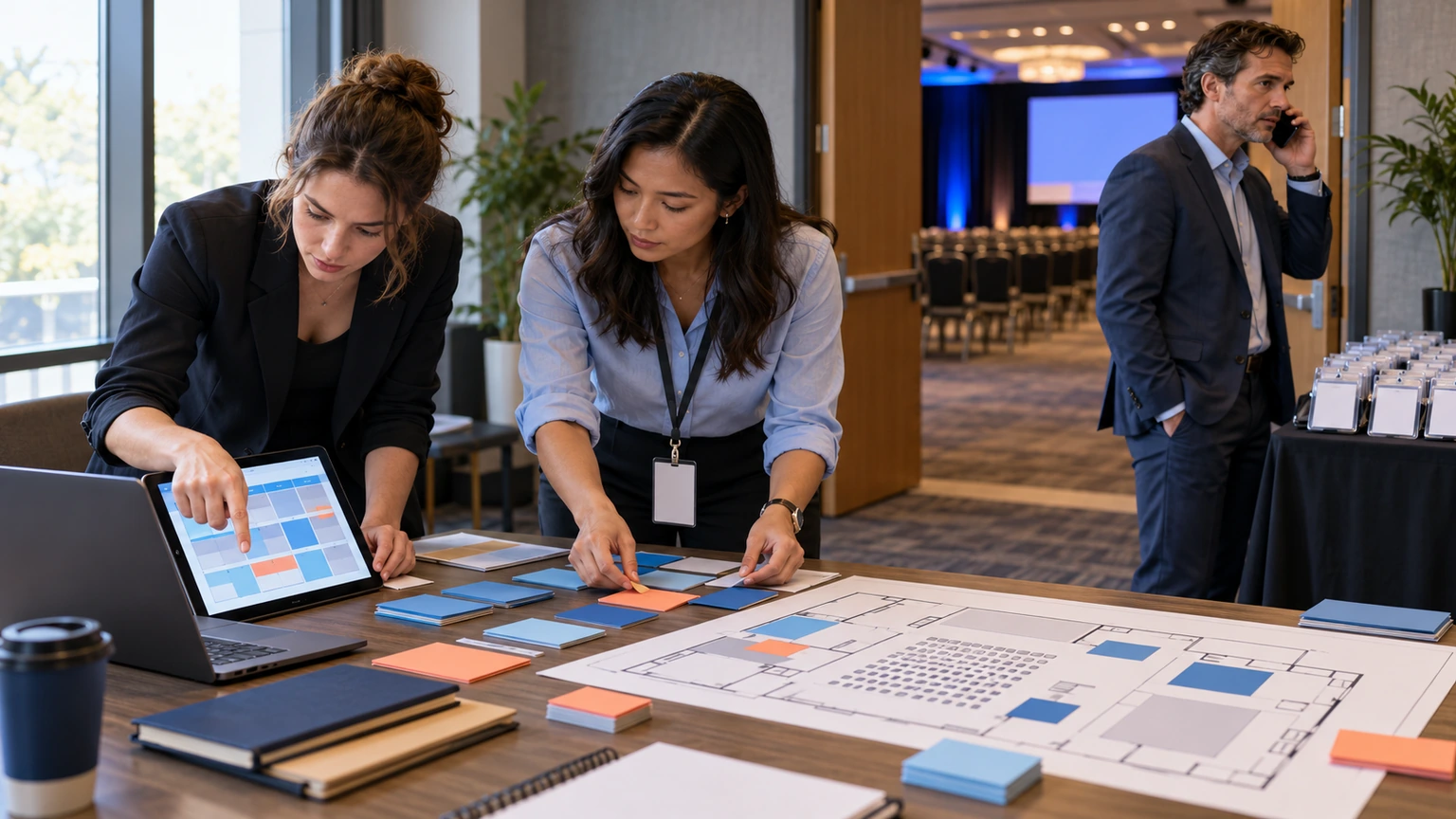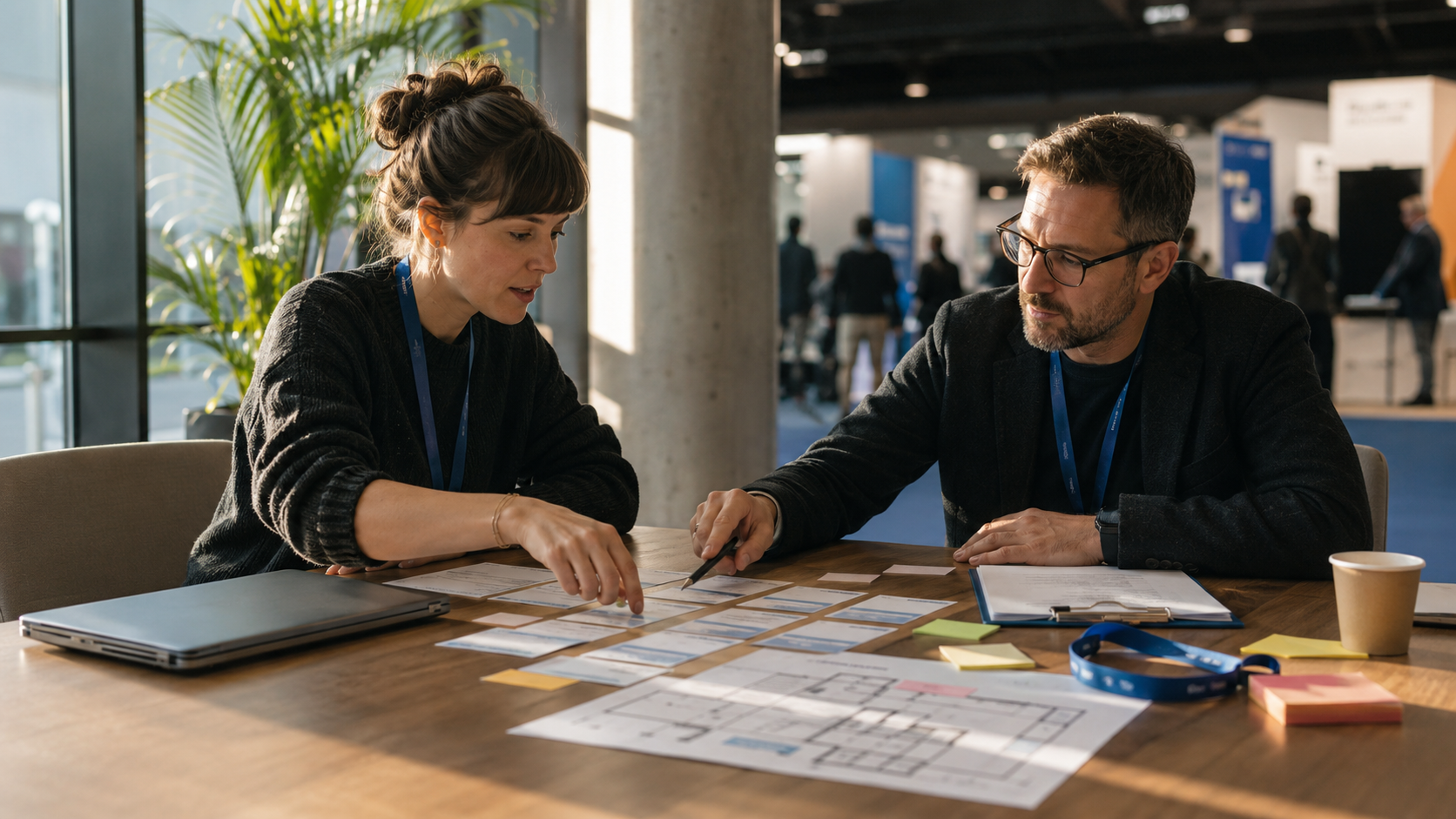
Most exhibitions say they’re “community-led.” Then the programming gets built the usual way: a few internal meetings, a speaker wish-list, a sponsor deck, and a schedule that looks fine on paper.
Associations can change that, if you treat them like co-designers (not just a logo, a mailing list, or a last-minute advisory panel).
The UFI piece The association advantage: why Thailand is putting industry communities at the heart of exhibition growth is a good prompt here. The core idea is simple: exhibitions perform better when industry communities are mobilized around real needs, not just raw visitor volume.
Community-first programming isn’t “more content.” It’s fewer guesses.
This post is a practical framework you can use to co-design programming with associations, and then actually run it without your event living across six places.
Step 1: Write the co-design promise (one paragraph, no fluff)
Before you ask an association to “get involved,” define what involvement means. A one-paragraph promise prevents vague committees and awkward expectations.
Use three lines:
- What the association helps shape: themes, session formats, featured problems, or curated community moments.
- What you (the organizer) still own: final agenda decisions, operational delivery, sponsor packaging, and timelines.
- What attendees will get: outcomes they can recognize (answers, introductions, practical learning, access to decision-makers).
This is less about being formal, more about being usable when things get busy.
Step 2: Turn “community needs” into agenda inputs you can schedule
Associations are close to what members actually argue about, struggle with, and need to decide. Your job is to translate that into agenda inputs that can survive contact with a calendar.
Instead of asking, “What topics should we cover?”, ask for:
- The top 5 decisions members are facing this year (budget, regulation, skills, supply chain, tech adoption, staffing, etc.)
- Where members disagree (controversy produces full rooms, if moderated properly)
- What members keep asking for templates on (practical content beats inspirational content)
- Which sub-groups need different programming (students vs. employers, SMEs vs. enterprise, newcomers vs. veterans)
Now you can build sessions that have a clear job: help someone make a decision, avoid a mistake, or meet the right people.
Step 3: Co-design formats, not just topics
Exhibitions often default to panels because panels are easy to book. Associations can help you design formats that match how the community actually works.
Three reliable formats to co-design:
- “State of the industry, with receipts”: what changed, what didn’t, what members should stop pretending.
- Working groups: smaller sessions that produce outputs (checklists, priorities, shared questions for vendors).
- Office hours / clinics: real problem intake, short advice, and follow-up paths.
If the association can’t explain the point of a session in one sentence, it’s probably not ready for the agenda.
Step 4: Build the operational spine early (registration, access, and agenda)
Community-first programming fails for a boring reason: the operational setup is late, scattered, and hard to keep consistent.
As soon as the shape of the program is real, lock the basics into one place:
- Registration and participant access: one source of truth for who’s coming (and how they log in).
- Agenda management: keep sessions, timings, and changes tied to the event workspace, not copied across docs.
- Custom pages: clear attendee instructions (how to join sessions, where to go, what to do next).
- Sponsors directory (if applicable): make it easy for community members to find relevant exhibitors and partners.
In Bewitt, these pieces live inside the same event workspace: registration, participant access, agenda, custom pages, sponsor visibility, check-in flows, and reporting (with engagement and feedback modules available when an event enables them).
Step 5: Treat check-in like a community moment, not a gate
Associations often care about who showed up, not just how many. Check-in is where “community-first” becomes tangible.
Practical moves:
- Design arrivals by intent: newcomers vs. members vs. VIPs might need different first-touch instructions.
- Use digital badges where helpful: quick identity and less paper-handling.
- Set expectations on-site: where to start, what’s happening first, where help is.
Bewitt supports check-in codes and QR scanning flows (when enabled), plus participant profiles and digital badges in the participant experience.
Step 6: Capture feedback while it’s still real (and useful)
Association partnerships get stronger when you can show what worked, what didn’t, and what to change next time, without a post-event scramble.
Two feedback loops are usually enough:
- Session feedback: short, specific, captured close to the moment.
- Program feedback: “What should exist next year that didn’t exist this year?”
If your event enables feedback in Bewitt, keep it lightweight and connected to the agenda, so you’re not chasing survey links later.
Step 7: Close the loop with a simple report the association can use
The goal isn’t a glossy recap. It’s a shared view of what happened, tied to decisions.
A practical association-ready report usually includes:
- What was delivered: the final agenda and participation highlights (no drama, just facts).
- What members valued: top sessions or themes based on feedback (when collected).
- What to change: 3–5 specific adjustments for next time.
- What to test: one experiment for format, one for programming, one for engagement.
When registration, agenda, check-in, feedback, and reporting stay tied to the same event workspace, you spend less time reconciling exports and more time improving the next edition.
Where Bewitt fits (without pretending it does everything)
Bewitt is a practical fit for exhibition and association teams that need one event workspace for the operational reality: registration, participant access, agenda management, check-ins, sponsor visibility, engagement modules (when enabled), feedback, payments (including paid tickets), branding, and reporting.
If your main requirement is deep CRM automation or bespoke integrations before launch, you may need a different setup. But if your biggest pain is the event being rebuilt across spreadsheets, forms, inboxes, PDFs, and chat threads, Bewitt is designed for that exact kind of mess.
Start an event or request a demo to compare your current workflow with how Bewitt handles registration, agenda, check-in, feedback, and reporting.