Launch faster
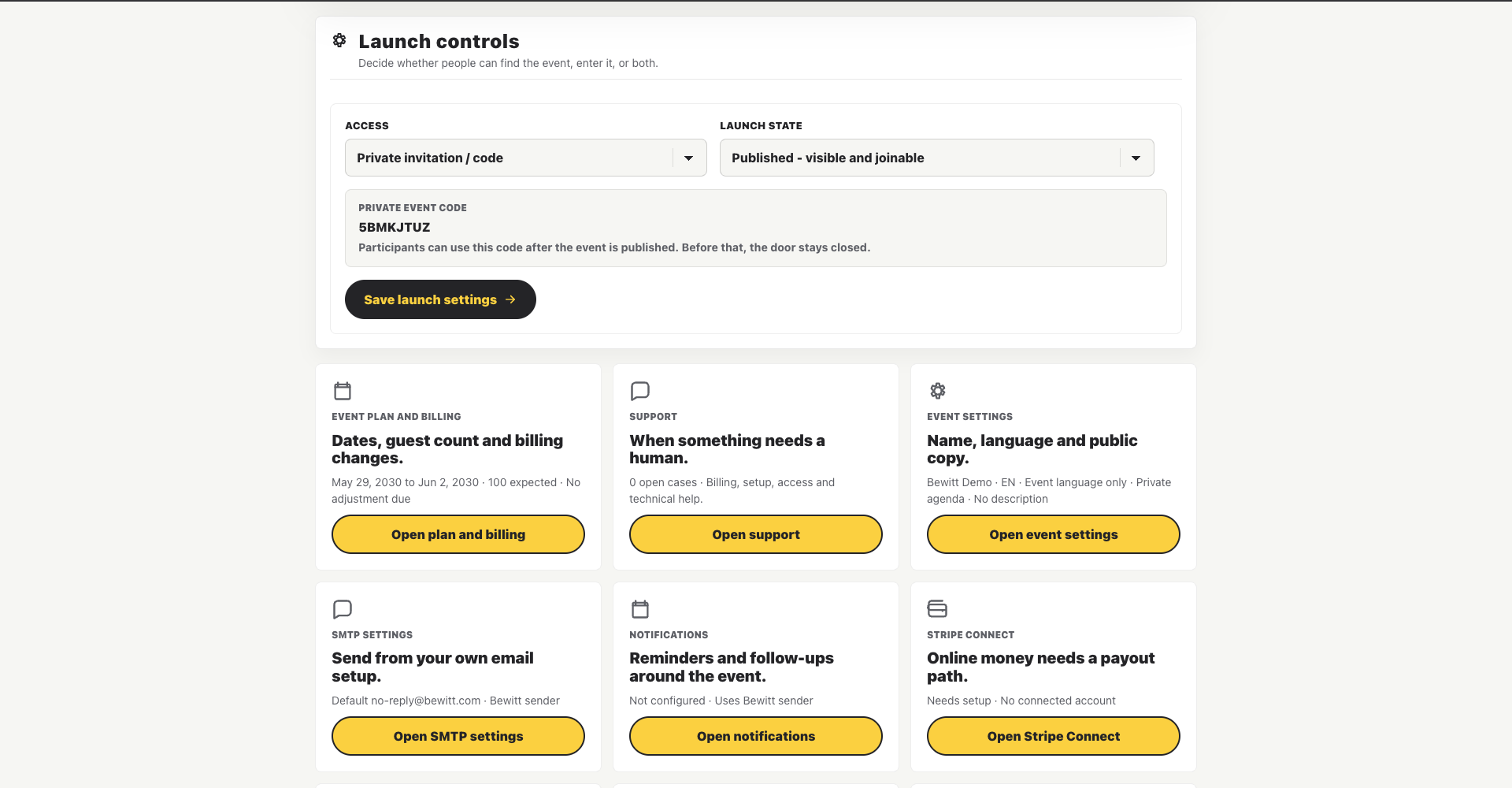
Go from "we should run this" to a registration page without taping together forms, emails, and hope.
Organize engaging events
Registrations, agenda, speakers, check-in, engagement, feedback, and reporting. Everything in one place, so you’re not hunting through tabs on event day.
Product showcase
Because participant lists, agendas, emails, feedback forms, and spreadsheets have a habit of ending up everywhere.
Go from "we should run this" to a registration page without taping together forms, emails, and hope.
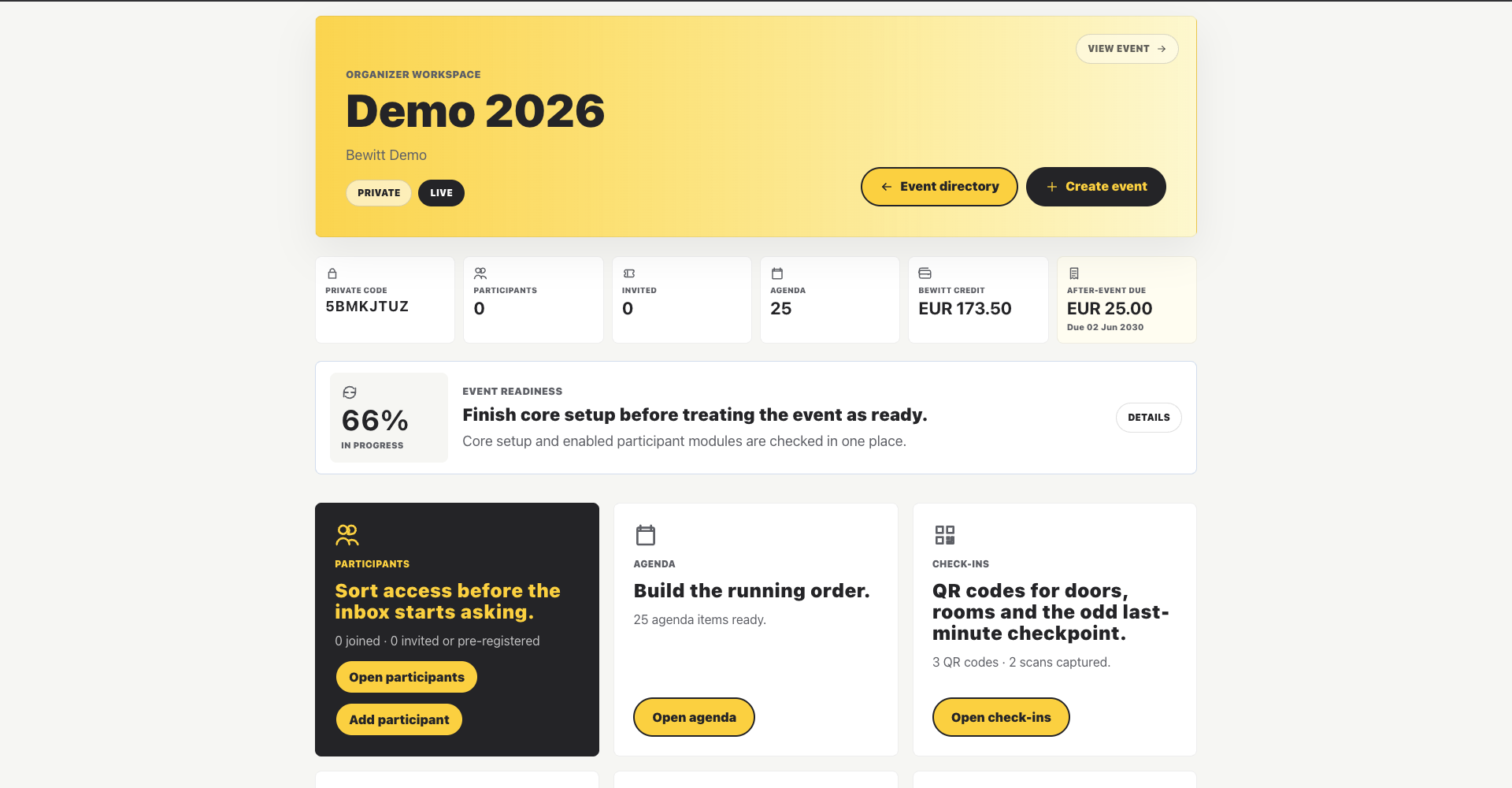
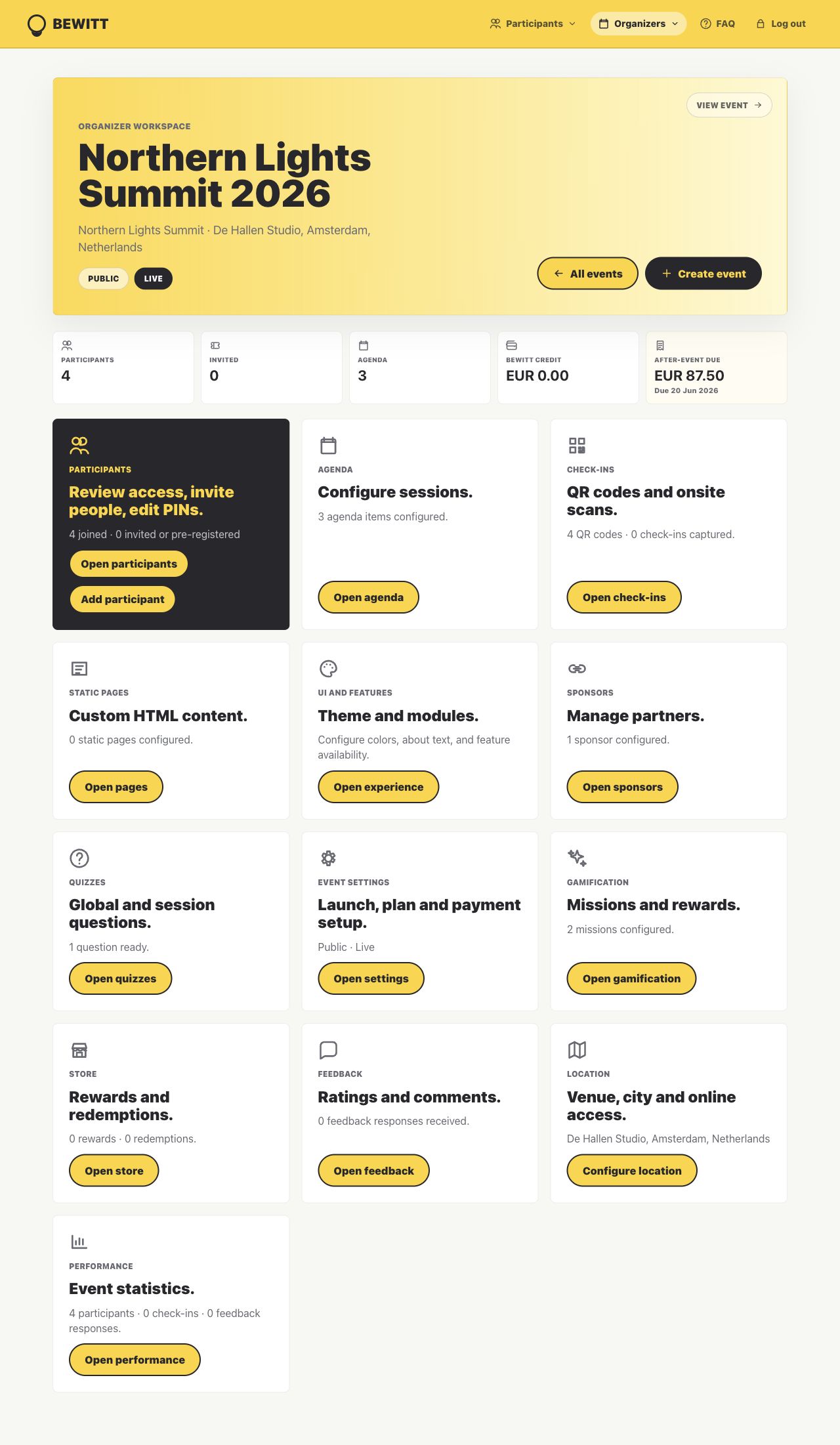
Keep agenda changes, attendee details, payments, sponsors, feedback, and engagement tied to the same event instead of scattered across inboxes.
See who came, what they joined, what they rated, and what needs fixing before the next one.
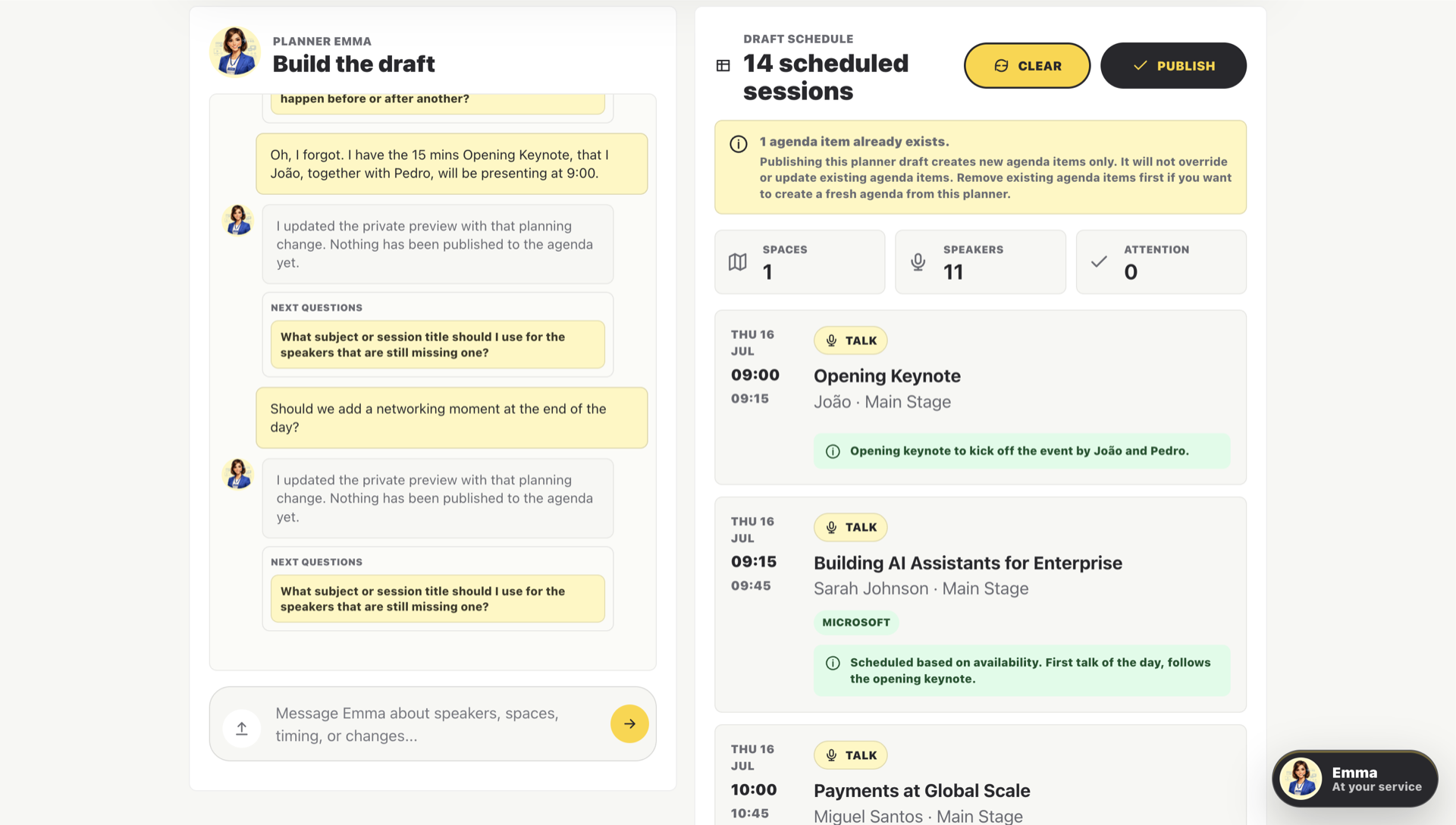
Emma Session Planner
Give Emma your spaces, speakers, availability, breaks, lunch rules, and awkward constraints. Session Planner keeps the work private while it drafts, explains choices, and lets organizers iterate before publishing real agenda items.
Event lifecycle
Handle registration, check-in, engagement, feedback, and reporting without giving every stage its own login, export, and little pile of admin.
Optional engagement layer
The best events aren’t remembered for their slide decks. They’re remembered for the conversations, connections, and moments they create.
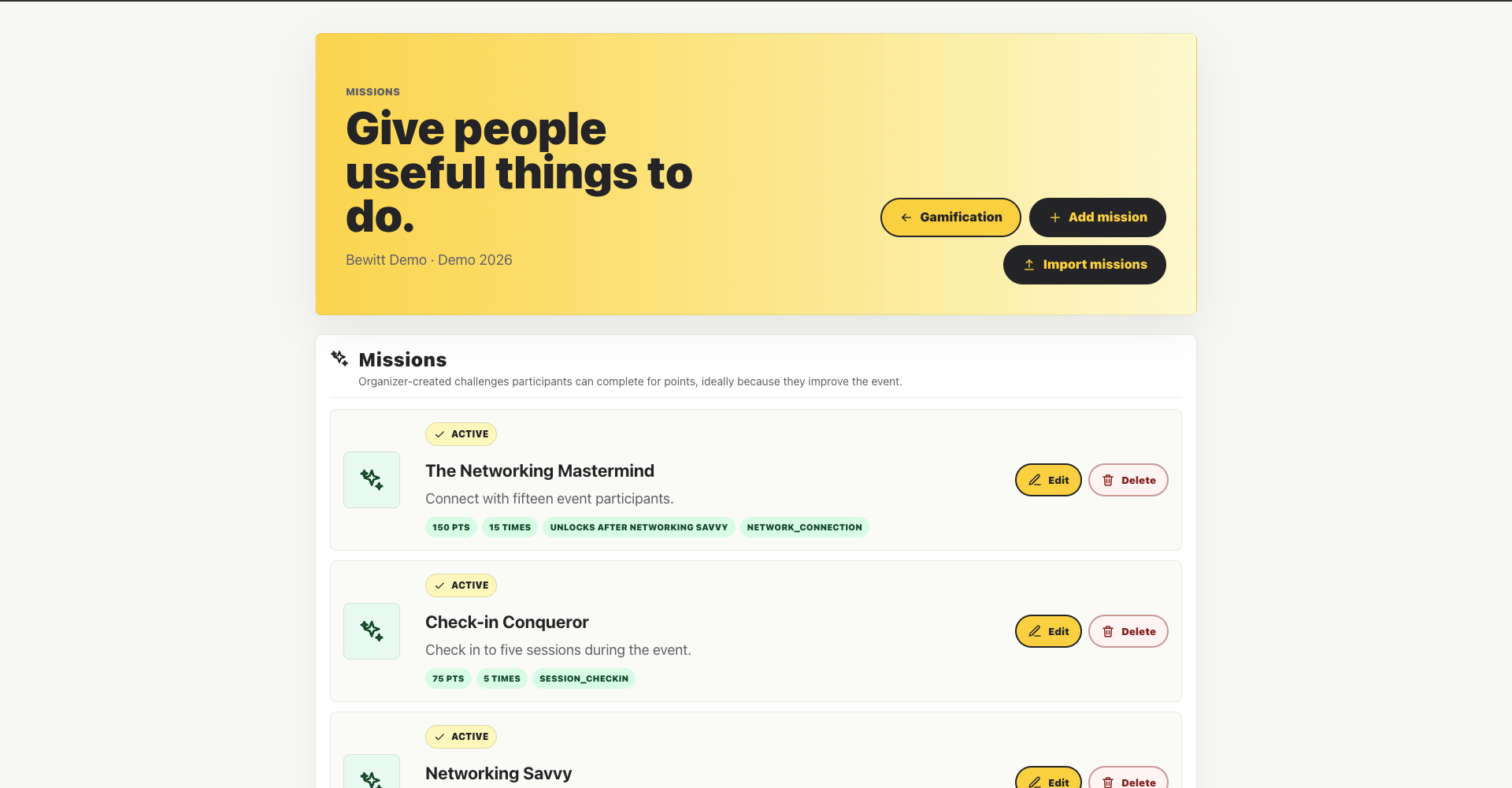
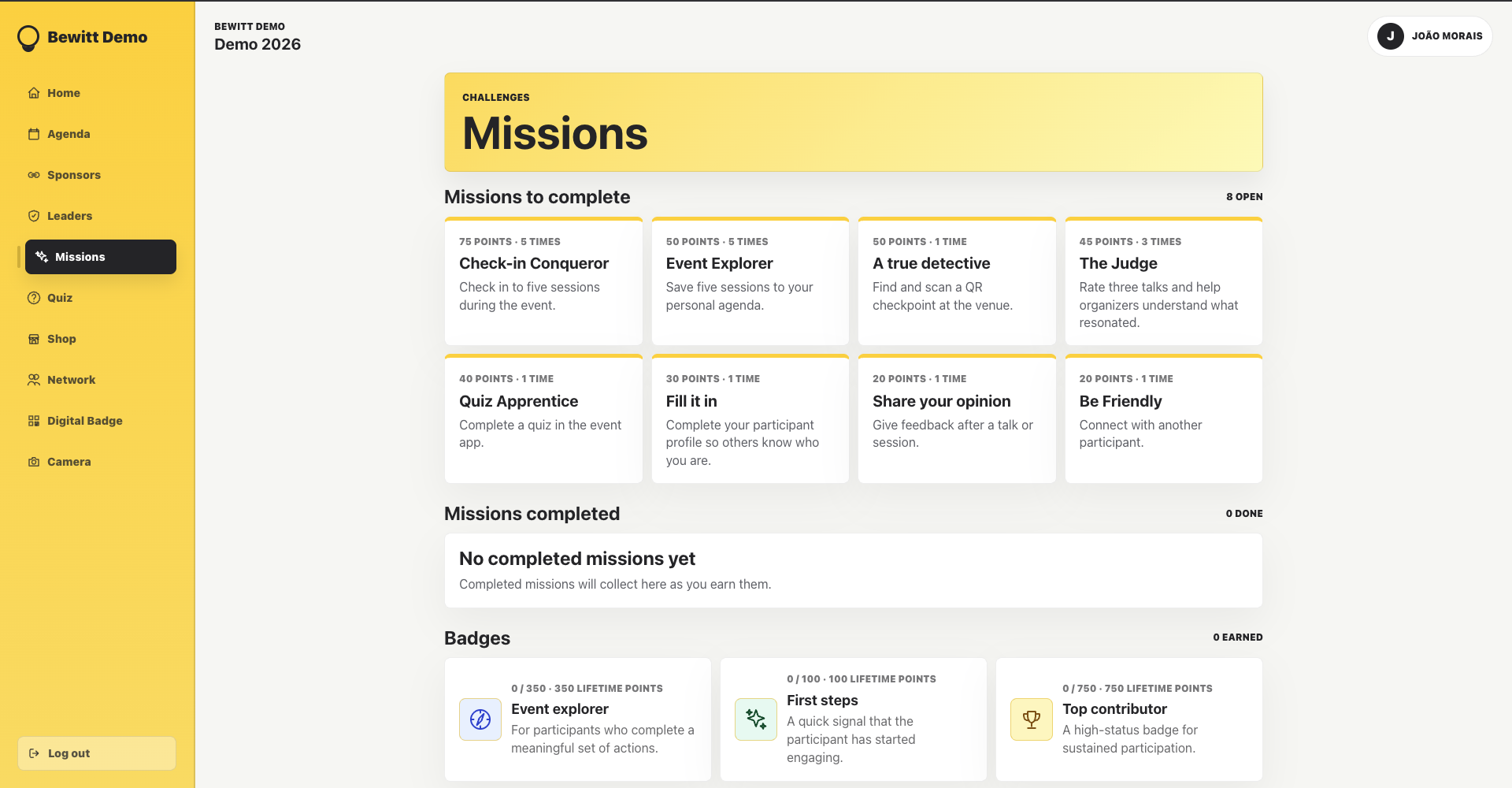
Use missions, quizzes, rewards, points, and leaderboards when they add energy. Leave them off when the room needs focus. Sensible, really.
Use cases
Handle tracks, speaker changes, sponsor needs, check-ins, and the post-event report without building a command center out of spreadsheets.
Run launches, customer days, partner events, and corporate gatherings without scattering the plan across teams and tabs.
Support town halls, kickoffs, leadership summits, training days, and team events without another email maze.
Keep onsite and remote participants tied to the same event, with one practical place for the organizer to work.
Publish the page, invite the crowd, check people in, and keep the community warm after everyone heads home.
Manage signups, capacity, sessions, attendance, and feedback for formats where the details actually matter.
Organize sessions, track attendance, collect ratings, and spot what landed before everyone forgets the room number.
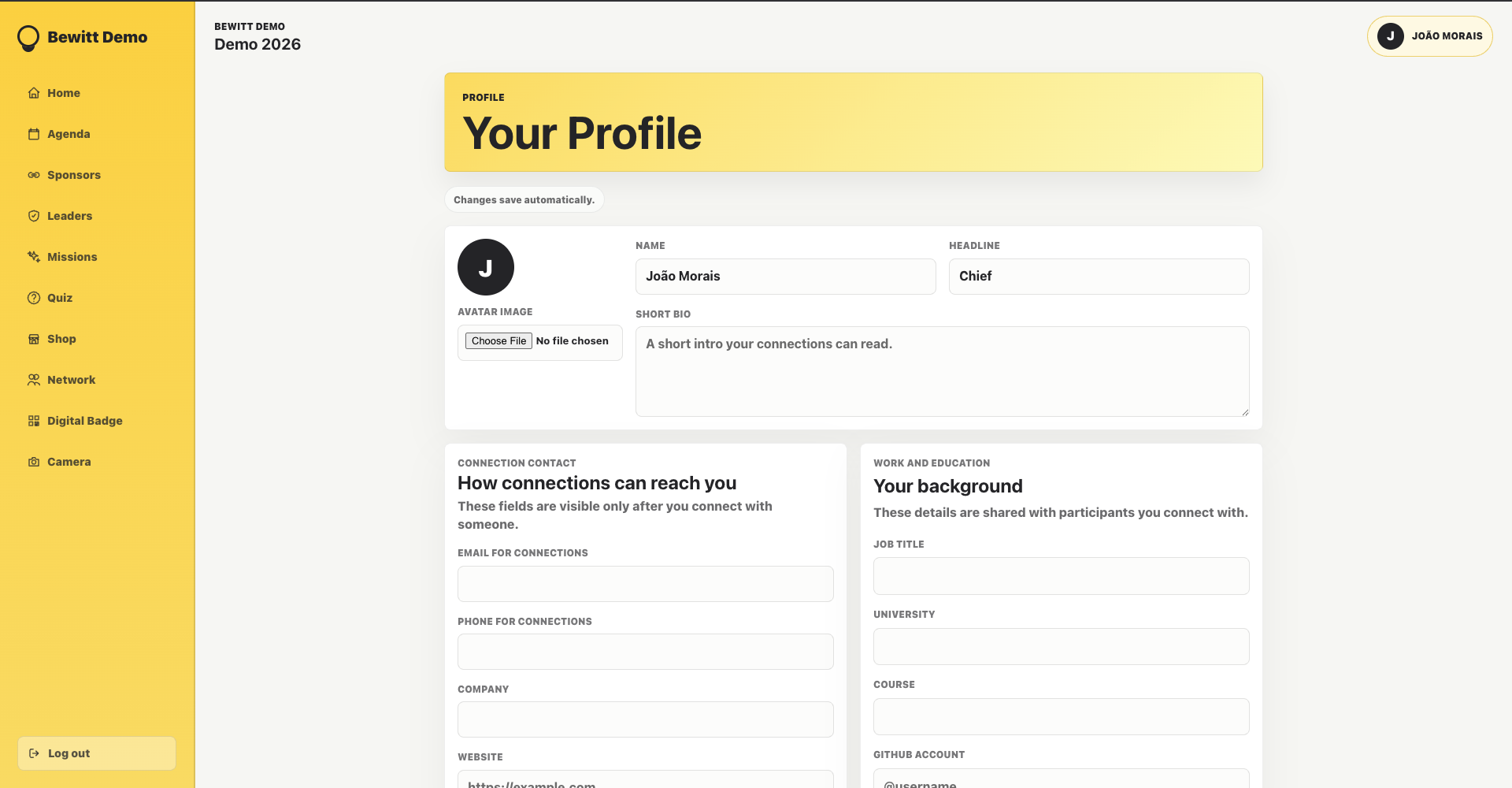
Help participants meet, scan, connect, join activities, and follow up without swapping cards into the void.
Pricing
No hidden fees. No enterprise sales call. No mystery pricing.
Need more than 500 participants? Contact us for a custom quote.
Custom domains
Start with a Bewitt subdomain or connect your own domain when the URL needs to wear the right badge.
Feature overview
The usual suspects are here: participants, agenda, check-ins, sponsors, feedback, reporting, settings, and the bits you always end up needing later.
Import lists, invite guests, manage access, and stop wondering which spreadsheet is the real one.
TicketingSell paid or free tickets, use tiers and discount codes, and keep access tied to registration.
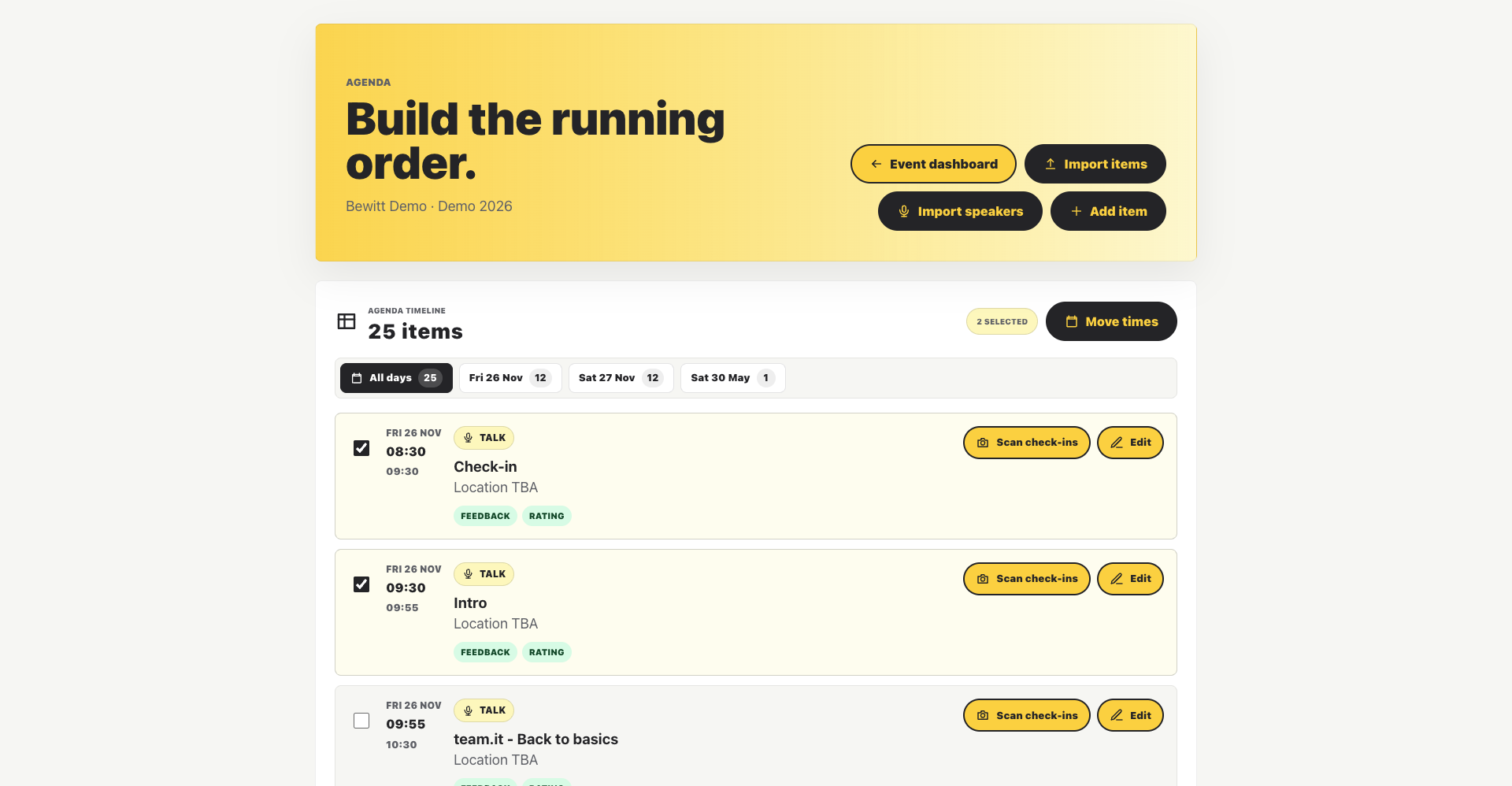
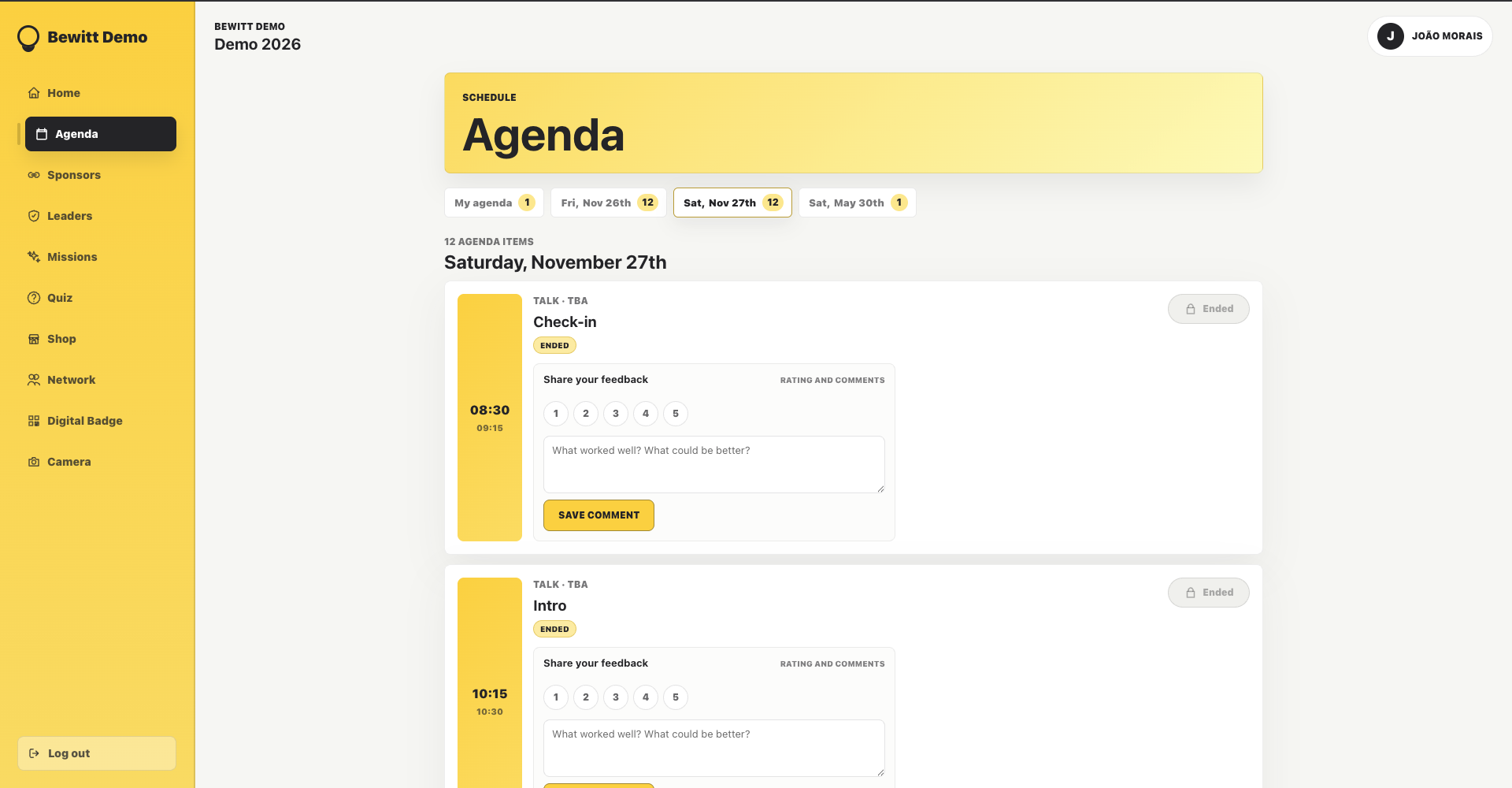
AgendaBuild sessions, speakers, locations, registrations, and feedback moments without rebuilding the schedule three times.
Session PlannerAsk Emma to draft the running schedule, resolve constraints, and turn the private plan into agenda items when it is ready.
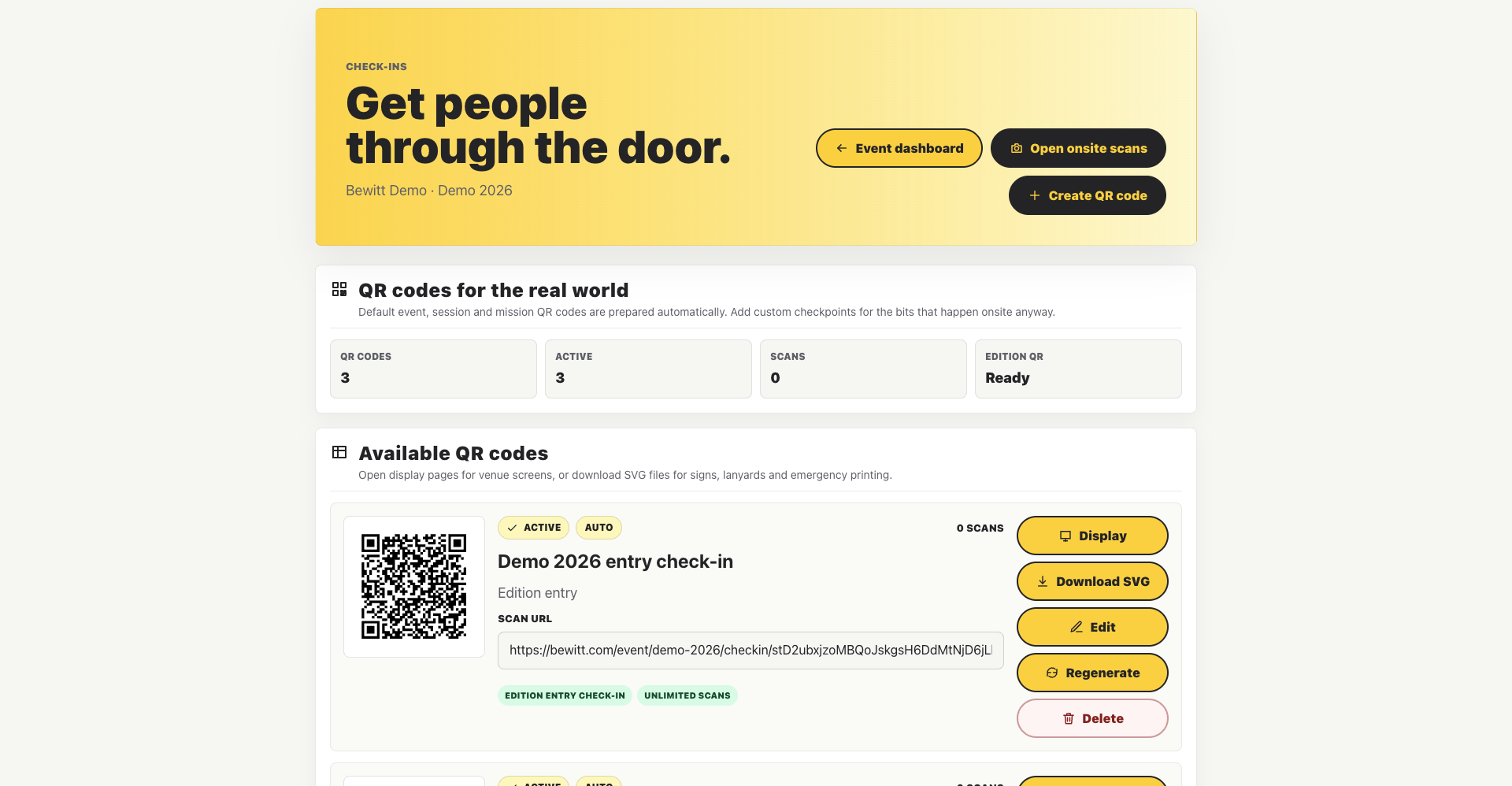
Check-insUse QR codes for the front door, rooms, sessions, and activity checkpoints.
SponsorsGive partners proper visibility without burying their details in a PDF nobody opens.
NetworkingHelp participants discover each other, make useful connections, and follow up after the room clears.
QuizzesAdd quizzes when interaction helps the session, not because someone said gamification in a meeting.
GamificationTurn on missions, achievements, points, and leaderboards only when they serve the event.
StoreLet participants redeem rewards, merchandise, or vouchers without a clipboard at the desk.
FeedbackCollect ratings, comments, and session feedback while the event is still fresh enough to remember.
AnalyticsTrack attendance, check-ins, participation, feedback, and the signals worth reporting.
TeamGive organizer teams one shared workspace for setup, changes, support, and event-day decisions.
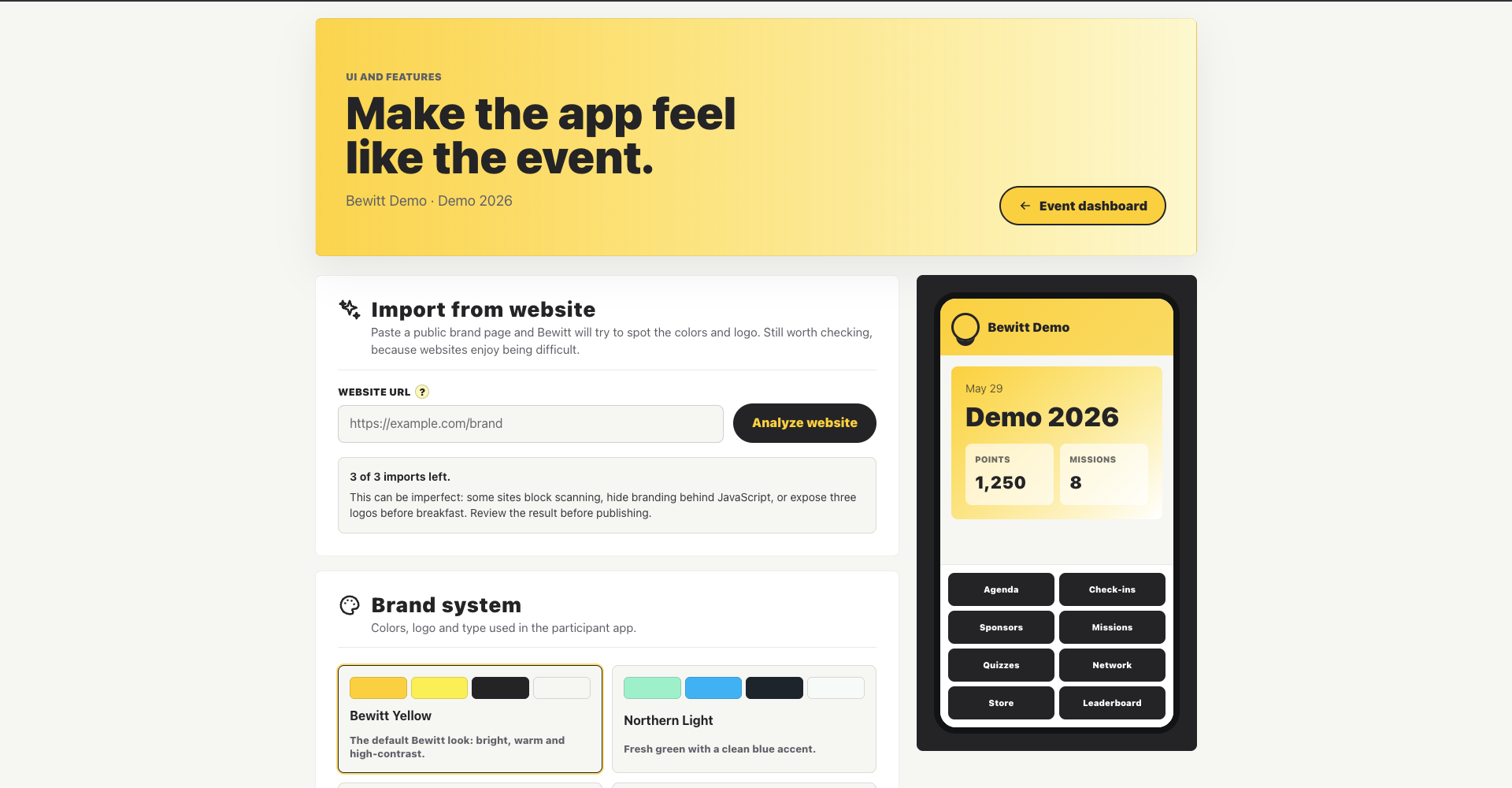
BrandingUse logos, colors, pages, navigation, and event identity so the participant experience feels like yours.
DomainsRun registration, agenda, check-ins, and event information under a branded event domain.
Platform activity
A quick look at what is happening across Bewitt, from events created to feedback collected after the room has emptied.
Event proof
From technology events to job fairs, organizers use Bewitt to connect people, give attendees reasons to participate, and turn event activity into something visible.
DTech has counted on Bewitt since the beginning. It helps speakers and participants connect, and the quizzes bring real energy to the event.
Bewitt gets students more involved through leaderboards and prizes. At a job fair like JEI, QR codes also help create valuable contact networks for students and companies.
FAQ
Short answers to the things people ask before they trust another piece of event software with their Tuesday afternoon.
You can create the workspace in minutes. The real work is adding the agenda, participant list, access rules, and event details. Bewitt keeps that work in one place instead of spreading it across forms, inboxes, and spreadsheets.
No. Bewitt runs in the browser for organizers and participants. Send a link, share a QR code, and spare everyone another app download.
Yes. Import participants, invite people, and manage private-event access from the workspace. Handy when the guest list has been living in a spreadsheet for longer than anyone wants to admit.
Yes. Start with a Bewitt subdomain or connect your own custom domain when the event needs to feel properly branded.
Yes. Paid tickets can be enabled for events that need registration payments. Ticket sales include a 2.25% Bewitt commission plus payment processor fees.
Yes. Free events can still use registrations, participant access, agenda, check-ins, feedback, and engagement tools. Free should not mean held together by email threads.
Check-ins, QR codes, agenda updates, participant access, and activity signals all stay connected to the same event. Fewer tabs open. Fewer frantic “where is that list?” moments.
You can review attendance, feedback, ratings, engagement, and reporting from the same workspace, while the event is still fresh enough to learn from.
Start your workspace
Create your event today and see how much simpler event management can be.