
Back to use cases
Use case
Workshop management for sessions where the details actually matter.
Bewitt helps organizers run professional workshops, creative workshops, and educational workshops with registration, attendance, session scheduling, participant communication, feedback, and check-in in one place.
Workshops
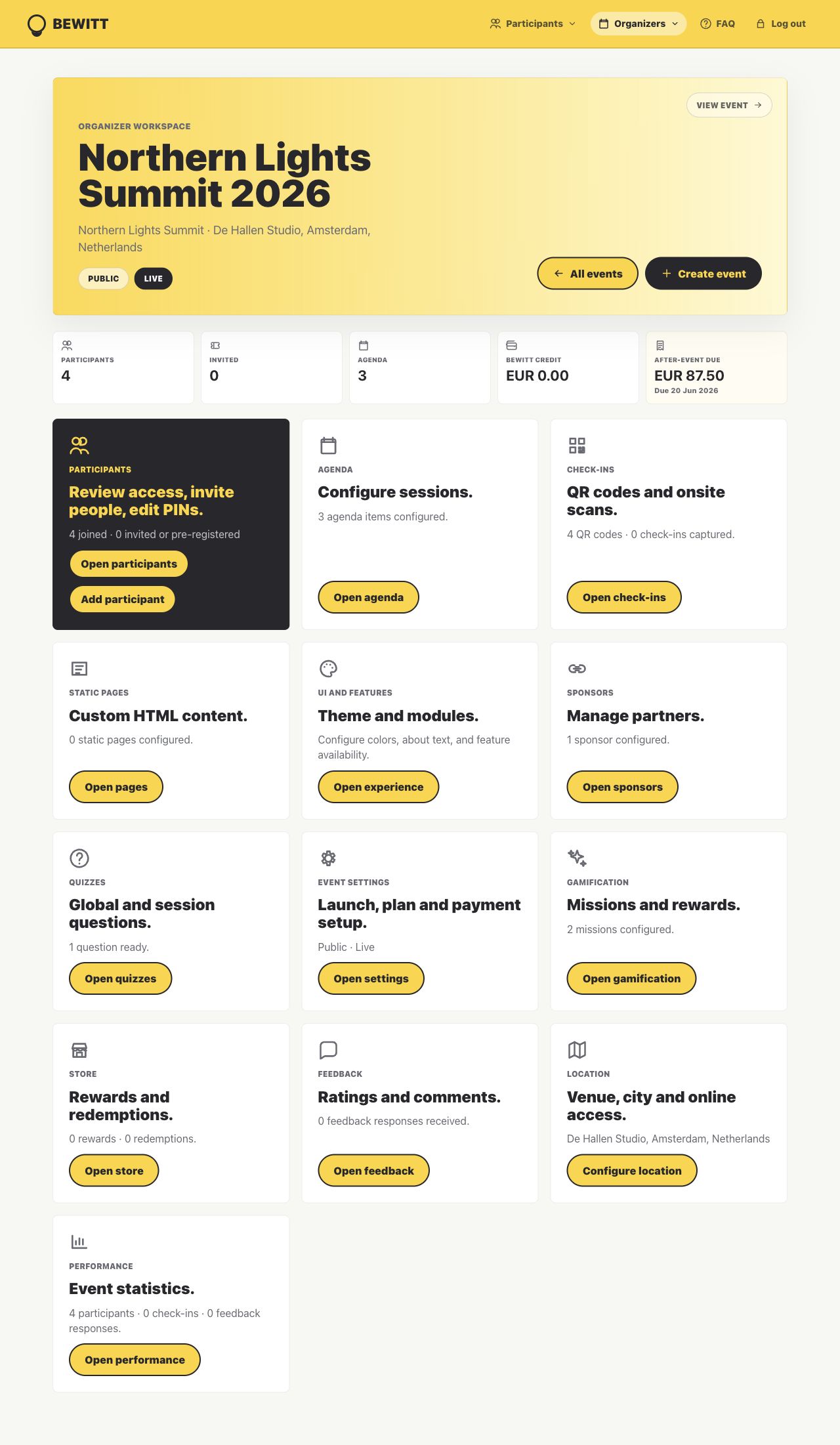
Bewitt keeps the organizer work close: page, registrations, agenda, access, check-ins, engagement, feedback, and reporting.
Participant registration, attendance tracking, session scheduling, and feedback without scattered spreadsheets.
Workshops where capacity, timing, and participant communication need to stay clear.
Product proof
This is more than a workshops page.
Bewitt works best when the event has moving operational parts: the page people see, the registrations behind it, agenda changes, access, check-in, feedback, and the report organizers need afterwards.
Create the event once
The public page, registration path, access rules, agenda, speaker details, sponsors, and participant view stay attached to the same event workspace.
Keep changes close
When the list, agenda, rooms, or participant access changes, organizers have one operational record to check instead of several drifting versions.
Finish with evidence
Check-ins, attendance, feedback, ratings, engagement, and recap data remain available for reporting after the event ends.
Registration
Collect signups without losing the participant list.
Create the workshop page, manage registrations, participant access, capacity expectations, and attendance details from one event workspace.
Workshop signups
Give participants a clear place to register and confirm practical details.
Participant records
Keep registrations, access, attendance, and feedback tied to the same workshop.
Free or paid formats
Run free workshops or enable paid tickets when registration needs payment.
Attendance Management
Know who arrived, which sessions they joined, and what needs follow-up.
Use QR check-ins and participant records to track workshop attendance without rebuilding the list after the room empties.
QR check-ins
Record arrivals at the door, room, session, or activity point.
Capacity clarity
Keep attendance and participant counts visible before and during the workshop.
After-session records
Review who attended and what feedback came in while the session is still fresh.
Session Scheduling
Keep workshop timing and session details easy to follow.
Build workshop agendas with sessions, speakers, facilitators, rooms, timing, and changes in the same place participants use on event day.
Session agenda
Share the workshop schedule, breaks, activities, and practical timing.
Facilitators and speakers
Add hosts, trainers, artists, educators, or expert guests to the sessions they lead.
Last-minute changes
Update session details without sending everyone hunting for the newest version.
Participant Communication
Give participants one place to check before and during the workshop.
Keep location, online details, agenda, access instructions, check-in, and feedback close to the workshop page.
Workshop instructions
Share what to bring, where to go, and how the session will run.
Access details
Keep private access, location, or online joining details attached to the event.
Feedback prompts
Collect ratings and comments before the useful feedback disappears.
Before/During/After Event Workflow
One workshop record from signup to feedback.
The point is not more admin. It is fewer scattered places to check when the event starts moving.
Create the workshop page, open registration, add session details, set participant access, and prepare check-in.
Track attendance, guide participants through the schedule, handle updates, and collect feedback from the same workspace.
Review attendance, feedback, ratings, and participation signals so the next workshop is easier to plan.
Pricing
Workshop pricing that stays easy to explain.
Bewitt uses event-based pricing: €54.00 base fee, €5.50 per event day, and €0.55 per participant. Self-service workshops are capped at 500 participants; larger workshop programs can request a custom quote.
€54.00 + €5.50 + €27.50
€54.00 + €5.50 + €55.00
€54.00 + €11.00 + €137.50
FAQ
Questions organizers ask before moving their event into Bewitt.
Can Bewitt be used as a workshop management platform?
Yes. Bewitt supports professional workshops, creative workshops, and educational workshops with registration, attendance management, session scheduling, participant communication, feedback, and check-in.
Does Bewitt support workshop registration?
Yes. Organizers can publish a workshop page, collect registrations, manage participant access, and keep free or paid workshop attendance tied to the same event record.
Can Bewitt track workshop attendance?
Yes. Bewitt supports QR check-ins, participant records, attendance tracking, and reporting so organizers can see who joined the workshop.
Can I manage workshop sessions and facilitators?
Yes. Bewitt can hold workshop agendas, session details, facilitator or speaker profiles, rooms, timing, and last-minute changes.
How is Bewitt priced for workshops?
Bewitt uses event-based pricing: €54.00 base fee, €5.50 per event day, and €0.55 per participant. Self-service events are capped at 500 participants, with custom quotes available above that.
Related use cases
Other event shapes organizers run with Bewitt.
Use Bewitt for Workshops
Ready to keep the event work in one place?
Start with the event page, then keep registrations, agenda, speakers, check-ins, engagement, feedback, and reporting connected as the event grows.
