Check-in software is easy to evaluate badly.
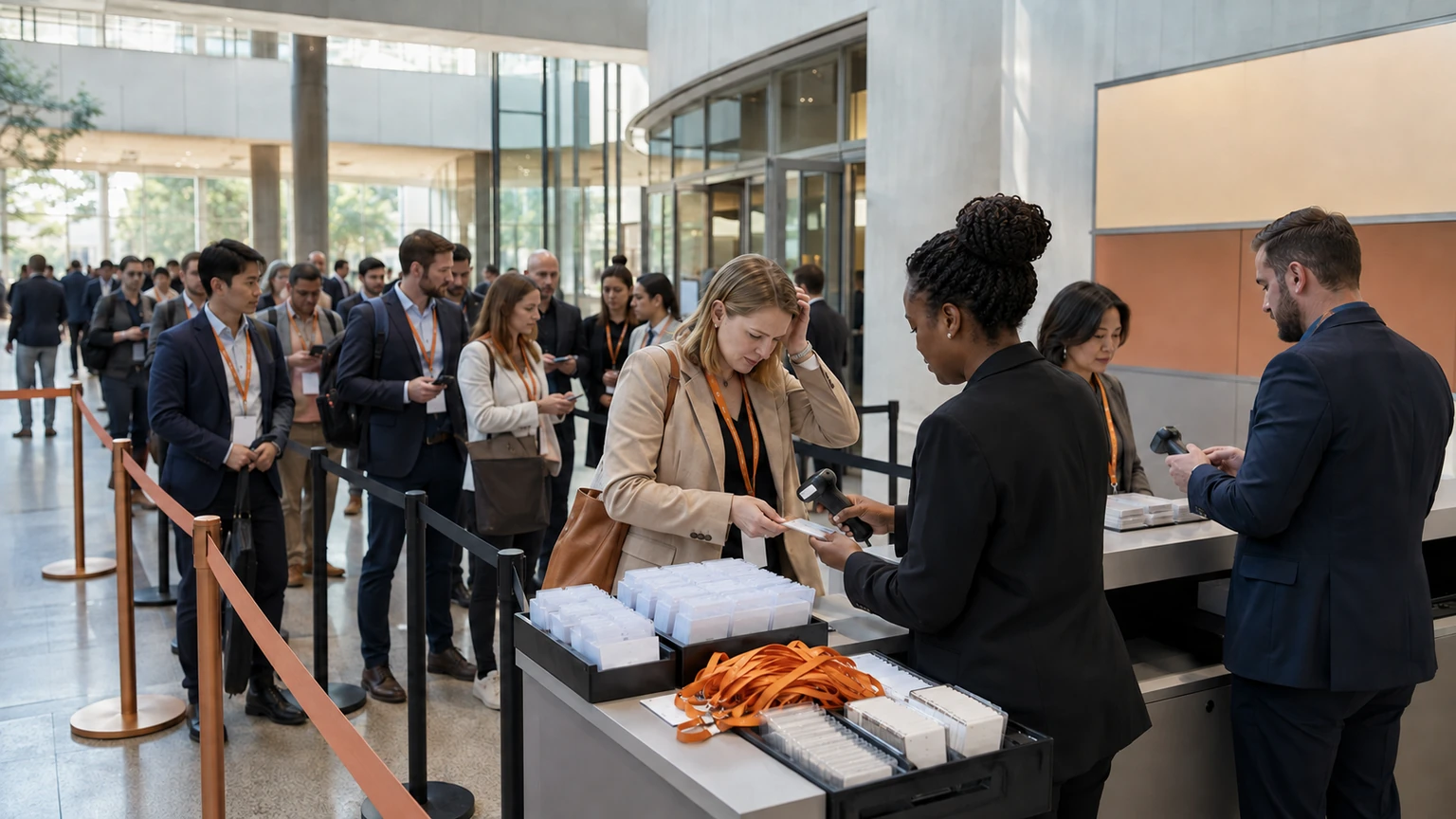
Many teams see a smooth demo, a clean badge printout, and a promise of faster entry. Then the real test arrives: thousands of people, uneven arrival waves, badge problems, late registrations, VIP exceptions, and staff trying to keep the line moving.
For large conferences, the question is not whether a tool can check someone in. The question is whether it can support high-volume entry without creating new operational friction.
Recent industry coverage highlighting event check-in software options for faster entry reflects a real buyer concern. Speed matters, but speed alone is not enough. Event teams need reliability, staff usability, and a plan for what happens when conditions get messy.
The best check-in tool is not the one with the best demo. It is the one that still works cleanly when arrivals spike, data changes, and the queue gets impatient.
Why this matters
Check-in is one of the first live moments attendees experience.
If it goes well, the event feels organized. If it goes badly, the damage starts early:
- queues build faster than staff can recover
- attendees arrive stressed before the first session
- VIPs and speakers need manual intervention
- badge issues create repeat bottlenecks
- support teams get pulled into avoidable desk work
- organizers lose visibility at the exact moment they need control
At large conferences, these are not minor annoyances. They affect staffing, venue flow, session starts, sponsor experience, and the overall perception of the event.
Start with your real operating conditions
Before comparing tools, define the environment the software must handle.
That usually means answering practical questions first:
- how many attendees may arrive within the busiest 30 to 60 minutes
- how many check-in points will operate at once
- whether badges are pre-printed, printed on demand, or both
- which attendee groups need different flows
- how often on-site registration changes happen
- what the venue connectivity situation looks like
A tool that works well for a 500-person seminar may struggle in a multi-entrance conference with several attendee types and constant last-minute changes.
Evaluation should start from your load, not the vendor's category label.
What to assess first
1. Queue handling under peak pressure
Ask the vendor to explain how the tool performs when arrivals come in bursts, not in a steady stream.
You want to understand:
- how quickly staff can find a record
- how many steps the average check-in takes
- whether badge printing slows the line
- how exceptions are handled without blocking everyone else
- whether the system supports multiple stations efficiently
A fast average is less useful than a predictable peak-time workflow.
2. Staff usability
Large conferences often depend on temporary staff, volunteers, agency personnel, or team members pulled in from other departments.
If the check-in workflow is not easy to learn, performance drops quickly.
Look for a system that supports:
- clear screens with minimal decision clutter
- simple attendee lookup methods
- obvious status indicators
- fast recovery from small mistakes
- short training time before doors open
Even a powerful tool can fail operationally if only a few expert users can run it confidently.
In live event operations, simplicity is a feature. The best workflows are the ones tired staff can still execute accurately at pace.
3. Badge workflow fit
Badge printing often becomes the hidden source of delay.
When evaluating a tool, look beyond whether it can print badges at all. Ask how the full badge workflow behaves on site.
Key questions include:
- can badges be printed quickly during check-in
- what happens if a badge needs reprinting
- how are naming errors corrected
- can different attendee categories receive different badge outputs
- does the printing process create extra staff steps
If badge production is slow or error-prone, the check-in tool may still be blamed, even if the deeper issue sits between software, printer setup, and desk process.
Do not ignore exception handling
Large events are full of exceptions.
That includes missing registrations, duplicated names, unconfirmed payments, speaker issues, sponsor substitutions, group changes, and people who insist they should already be on the list.
Your evaluation should focus on how the tool handles those edge cases without collapsing the main line.
Useful evaluation prompts
- what is the workflow for someone who cannot be found quickly
- can staff redirect exceptions without restarting the whole process
- how are edits recorded during the event
- what permissions are needed for front-desk changes
- can the team separate routine check-in from problem resolution
A system that works beautifully for perfect records may still fail where live events actually get difficult.
Reliability matters more than feature volume
Conference teams are often shown long feature lists. That can be useful, but it can also distract from the core job.
For check-in, the main reliability questions are usually more important:
- does the system stay responsive under load
- what happens if connectivity becomes unstable
- how quickly can staff continue working after a disruption
- is there a clear backup process
- what support is available during live event hours
Ask vendors to talk through failure modes, not just best-case flows.
This is one of the clearest signs of operational maturity.
Evaluate the full arrival experience, not just the desk
Check-in does not start when a person reaches the counter.
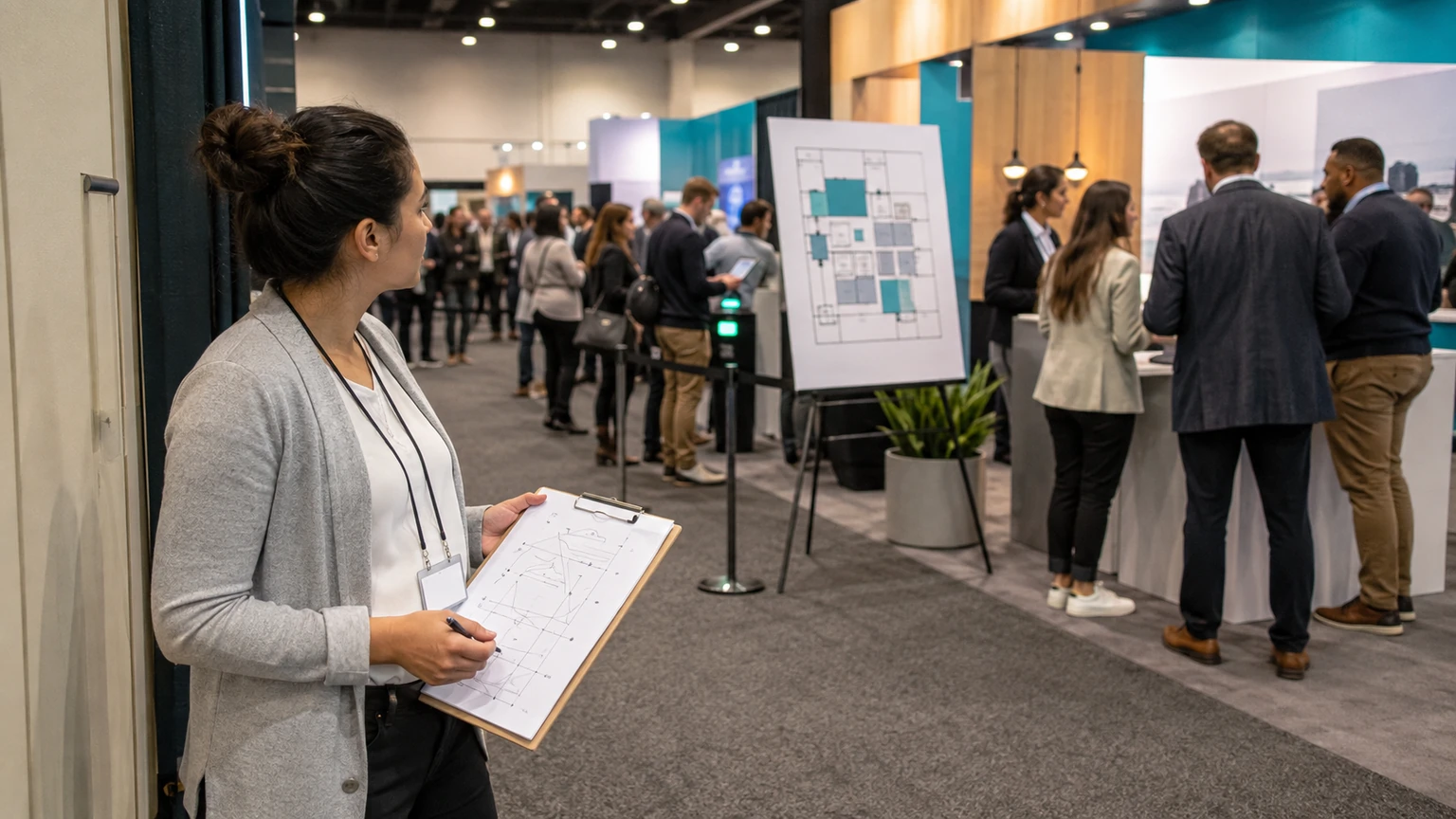
It starts when they approach the venue, look for the correct queue, search for confirmation details, and try to understand where they belong.
A good tool should be evaluated alongside the larger arrival flow:
- signage and lane logic
- staff positioning
- self-service versus staffed check-in
- separate handling for VIPs, speakers, exhibitors, or press
- support for last-minute registration questions
If the front-of-house design is weak, even strong software may look slower than it really is.
Questions to ask in demos
Many event software demos stay too polished. Push for specifics.
Ask to see these scenarios
- a sudden rush of arrivals before the opening keynote
- a badge reprint request
- a registration record with missing details
- a same-day attendee addition
- a VIP or speaker fast-lane process
- a staff user making and correcting a simple mistake
You are not only buying features. You are testing how the product supports people working under time pressure.
How to compare vendors more practically
A simple scoring model can help teams avoid being swayed by presentation quality alone.
Score each option against the factors that matter most for your event:
- peak-time speed
- ease of staff training
- badge workflow efficiency
- exception handling
- reliability and backup readiness
- support during live operations
- fit with your registration and on-site processes
Not every event weights these equally. A multi-day conference with heavy on-site badge printing may care most about print flow and queue recovery. A leadership summit may care more about VIP handling and a premium arrival experience.
The point is to compare based on operating reality.
Red flags to watch for
Some signs should make event teams slow down.
- the demo avoids live exception scenarios
- training appears too dependent on vendor support
- badge printing is treated as a separate issue rather than part of check-in performance
- backup procedures are vague
- the workflow looks efficient only when attendee data is perfect
- the vendor speaks more about innovation than desk operations
None of these automatically disqualify a tool. They do signal where more diligence is needed.
A practical shortlist test
If you are choosing between several tools, try a simple internal exercise.
Ask your registration lead, on-site operations lead, and front-desk manager to answer the same question for each option:
Can we trust this system to keep people moving when the event gets busy and something goes wrong?
If the answer is uncertain, keep digging.
That question is often more useful than a longer discussion about minor features.
What this means for event teams
Large-conference check-in software should be evaluated as an operational system, not just a convenience feature.
The best choice is usually the one that helps your team do four things well: move people through quickly, train staff easily, handle exceptions calmly, and recover cleanly when conditions change.
That is what faster entry really means in practice.
When event teams stay focused on queues, people, badges, and failure handling, vendor comparisons become much clearer, and the final choice is more likely to hold up on show day.