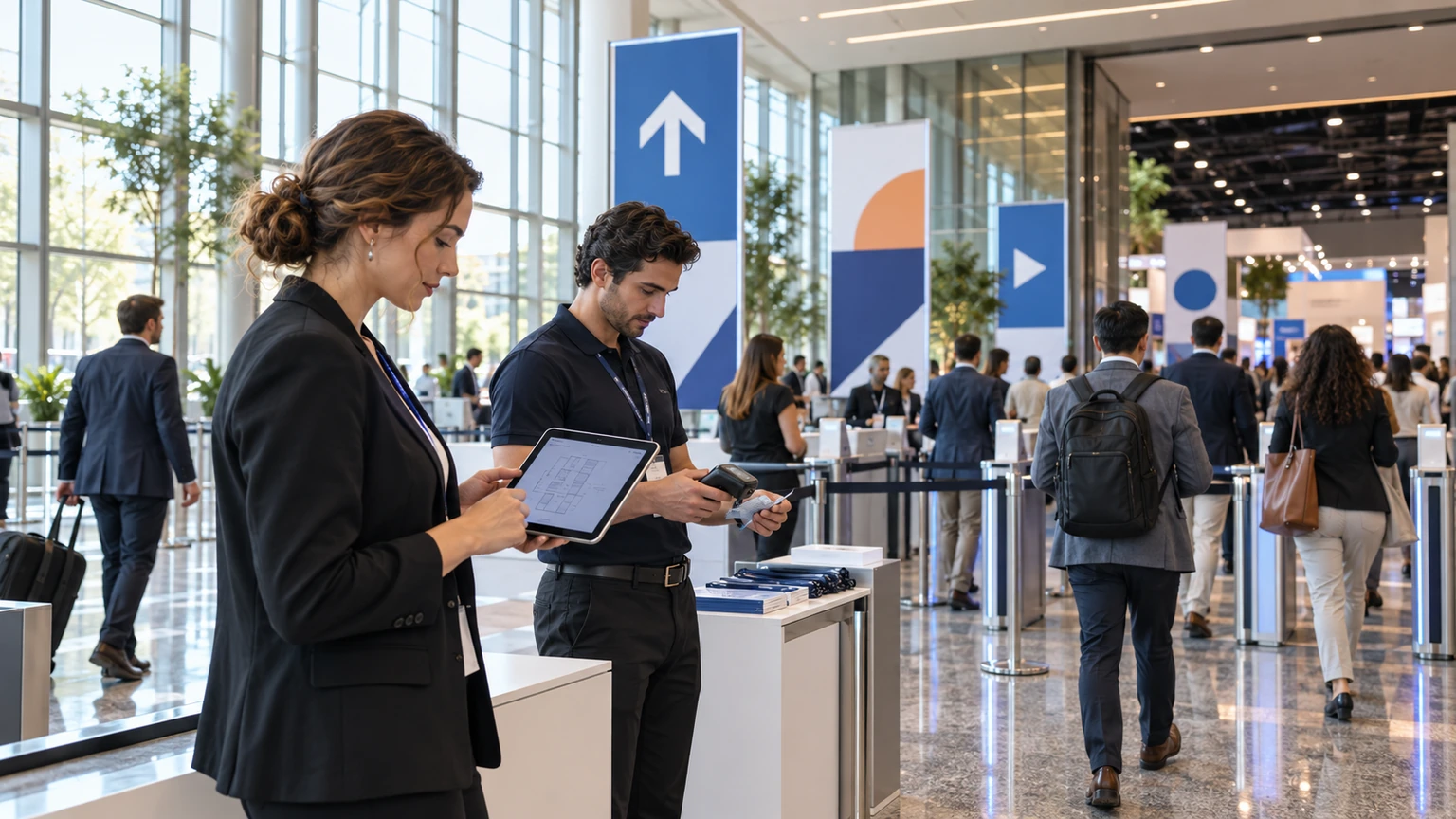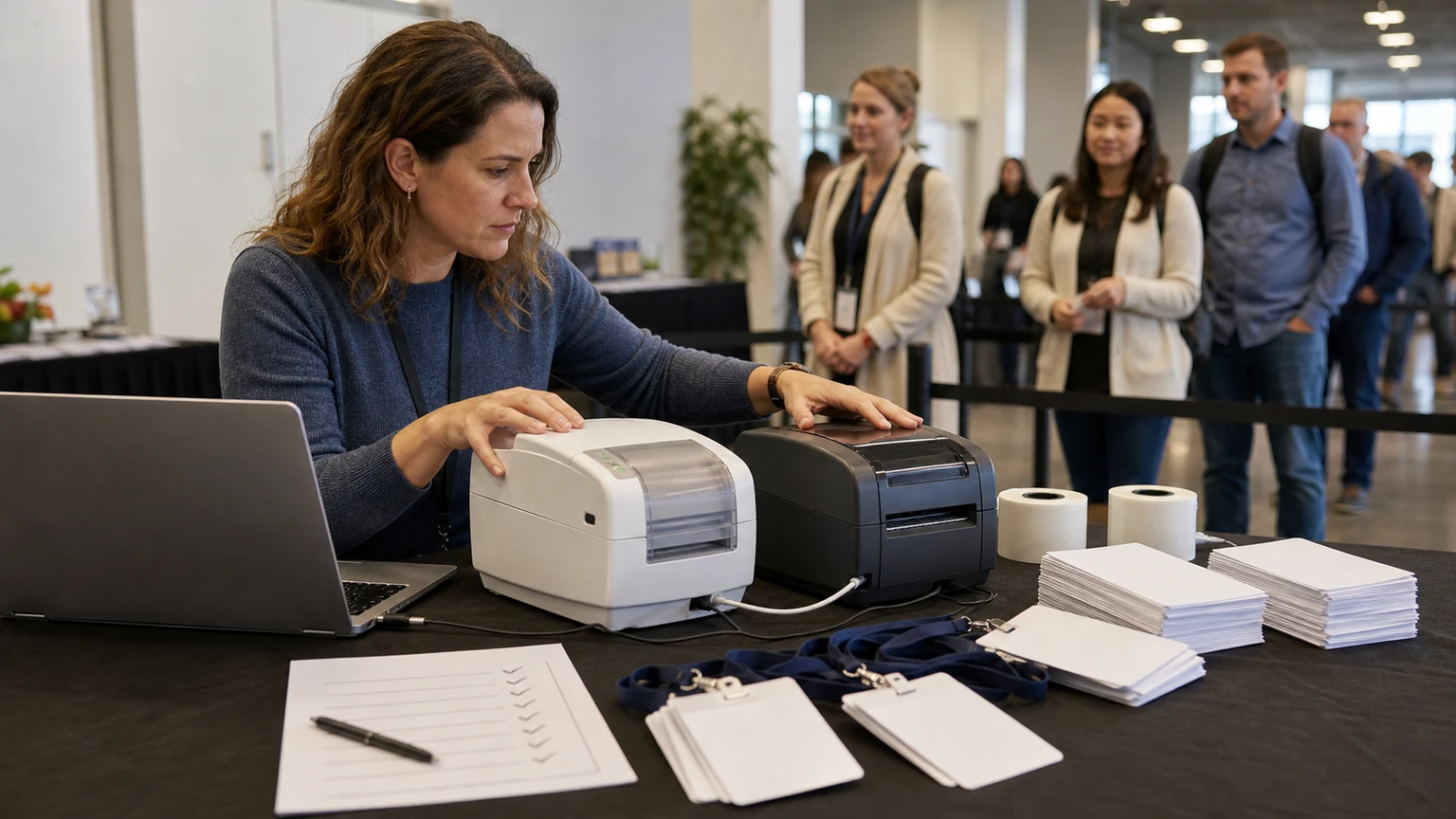
Badge printing usually gets attention only when it goes wrong.
A queue builds, a printer jams, names are hard to read, or staff start troubleshooting hardware instead of moving attendees through registration.
That is why badge printer selection is not a minor equipment choice. It is an on-site operations decision.
Industry guidance on event badge printers often focuses on printer types, print methods, speed, and badge media. The more useful lesson for organizers is simpler: choose the printer that fits your registration model, staffing reality, and event-day pressure.
The best badge printer is not the one with the longest feature list. It is the one your team can run reliably at peak check-in.
Why this matters
Badge printing sits close to the front door of the attendee experience.
If printing is slow or inconsistent, the effects spread quickly:
- longer queues at registration
- more pressure on temporary staff
- manual fixes and reprints
- confusion around badge types
- late entry into opening sessions or expo halls
- a weaker first impression for attendees, sponsors, and exhibitors
For conferences and trade shows, that makes printer choice part of throughput planning, not only procurement.
Start with your event check-in model
Before comparing vendors or devices, define how badges will actually be produced on site.
Different events need different setups.
Questions to answer first
- Will badges be printed fully on demand, or preprinted in part?
- Are you printing only names and QR codes, or full-colour branded badges?
- Will check-in happen at one main bank of desks, or across multiple stations?
- Do you expect heavy peaks at opening time?
- Will exhibitors, VIPs, speakers, staff, and attendees use different badge formats?
- How often do you expect walk-ins, substitutions, or on-site edits?
If those answers are unclear, printer comparison becomes guesswork.
The core selection criteria
Most organizers do not need the most advanced printer on the market. They need the right balance of speed, legibility, reliability, and operational simplicity.
1. Print speed under real conditions
Speed matters, but headline speed alone can mislead.
Ask what output looks like in normal event conditions, with real badge layouts, real staff, and consecutive printing during rush periods.
Useful checks include:
- time from check-in confirmation to badge in hand
- performance during sustained peak periods
- warm-up or restart delays
- speed impact when printing larger or more detailed layouts
A printer that is fast in isolation may still slow down the line if media changes, calibration, or staff steps take too long.
2. Print quality and readability
A badge is an operational tool. It must be easy to read quickly.
Prioritize clarity over visual complexity.
Check whether the printer can produce:
- clear attendee names at a readable size
- sharp barcodes or QR codes
- consistent text positioning
- colour or monochrome output that matches your badge design needs
If scanners, security teams, or exhibitors rely on visible names and machine-readable codes, print quality is not cosmetic. It affects flow.
3. Badge media compatibility
Printer decisions should be tested against the actual badge stock you plan to use.
That includes:
- paper or synthetic stock
- adhesive labels or inserts
- single-size or multiple-size badges
- badges with branded templates or sponsor artwork
- stock that needs durability across several days
Do not treat media as a separate later decision. Printer and media choices affect each other directly.
4. Reliability and jam risk
At check-in, reliability often matters more than marginal speed gains.
Ask practical questions about failure points:
- How often does the device need intervention?
- How sensitive is it to media loading errors?
- What happens when a badge misfeeds?
- How long does recovery usually take?
- Can front-line staff solve common issues quickly?
One recurring jam at the wrong time can erase any theoretical productivity advantage.
Registration teams do not experience printers as specifications. They experience them as queue length, reprint volume, and stress.
Match the printer to staffing reality
A common mistake is choosing hardware that assumes a more technical front-line team than the event will actually have.
Many registration desks are staffed by a mix of experienced supervisors, temporary workers, and venue support staff. That means ease of use matters.
Look for operational simplicity
- easy media loading
- clear status indicators
- simple restart steps
- minimal training time
- straightforward replacement of consumables
If the printer requires specialist handling, plan for that honestly. Otherwise the burden falls onto the busiest desk or the one person who knows how to fix everything.
Think in stations, not just devices
Printer selection should support the registration layout, not happen separately from it.
A useful review considers the whole station:
- printer footprint on the desk
- space for badge stock and consumables
- placement relative to laptops, scanners, and staff movement
- noise and heat in dense registration areas
- cable management and power access
A device that works well in a demo environment may be awkward in a crowded registration zone with limited table space and constant attendee interaction.
Vendor questions worth asking
When evaluating suppliers, move beyond brochure language and ask for event-specific answers.
A practical shortlist of questions
- What event volumes is this printer typically used for?
- What badge formats does it handle best?
- What print method does it use, and what does that mean for speed and output quality?
- What are the common failure points during live events?
- How quickly can staff be trained?
- What consumables need to be stocked on site?
- What spare-device or backup approach is recommended?
- How is support handled during live registration hours?
If a vendor cannot connect the answer to live event operations, that is useful information in itself.
Plan for peak load and fallback
Do not size your printer setup for average flow only.
Registration pressure is usually uneven. Morning arrival peaks, session starts, exhibitor access windows, and walk-in traffic can all compress demand.
That makes contingency planning essential.
Your printer plan should include
- spare stock and ribbons or labels, where relevant
- at least one backup path for badge production
- a simple reprint workflow
- clear ownership for troubleshooting
- an escalation process when one station fails
Even a strong printer choice needs an operating plan around it.
Do not overdesign the badge
Sometimes the printer problem starts with badge design.
If layouts are too dense, too colourful, or inconsistent across attendee types, print speed and readability suffer.
Keep the badge focused on what the event actually needs:
- attendee name
- company, if relevant
- role or access category
- clear machine-readable code
- branding that does not interfere with legibility
Complexity at the design stage often reappears as delay at the registration desk.
A tactical selection checklist
Before committing to a badge printer, confirm the following:
- the printer suits your check-in model, not just your budget
- print speed has been assessed in realistic event conditions
- name and code readability are strong on the actual badge layout
- the device supports your chosen media reliably
- staff can operate it with limited training
- the physical setup works within your registration footprint
- consumables and backup units are planned in advance
- support and troubleshooting responsibilities are clear
Common mistakes to avoid
- choosing on headline specs alone
- testing with the wrong badge stock
- underestimating opening-hour peak volumes
- ignoring front-line training needs
- assuming one printer setup fits every badge type
- leaving backup planning until build day
What this means for event teams
Badge printing is one of those operational details that feels small until it becomes the bottleneck everyone notices.
A good selection process is not about buying the most impressive machine. It is about making check-in predictable, readable, and resilient under pressure.
For organizers, the practical test is simple: if 200 people arrive in a short window, can your badge setup keep the line moving without constant intervention?
If the answer is yes, you are probably evaluating the right things.