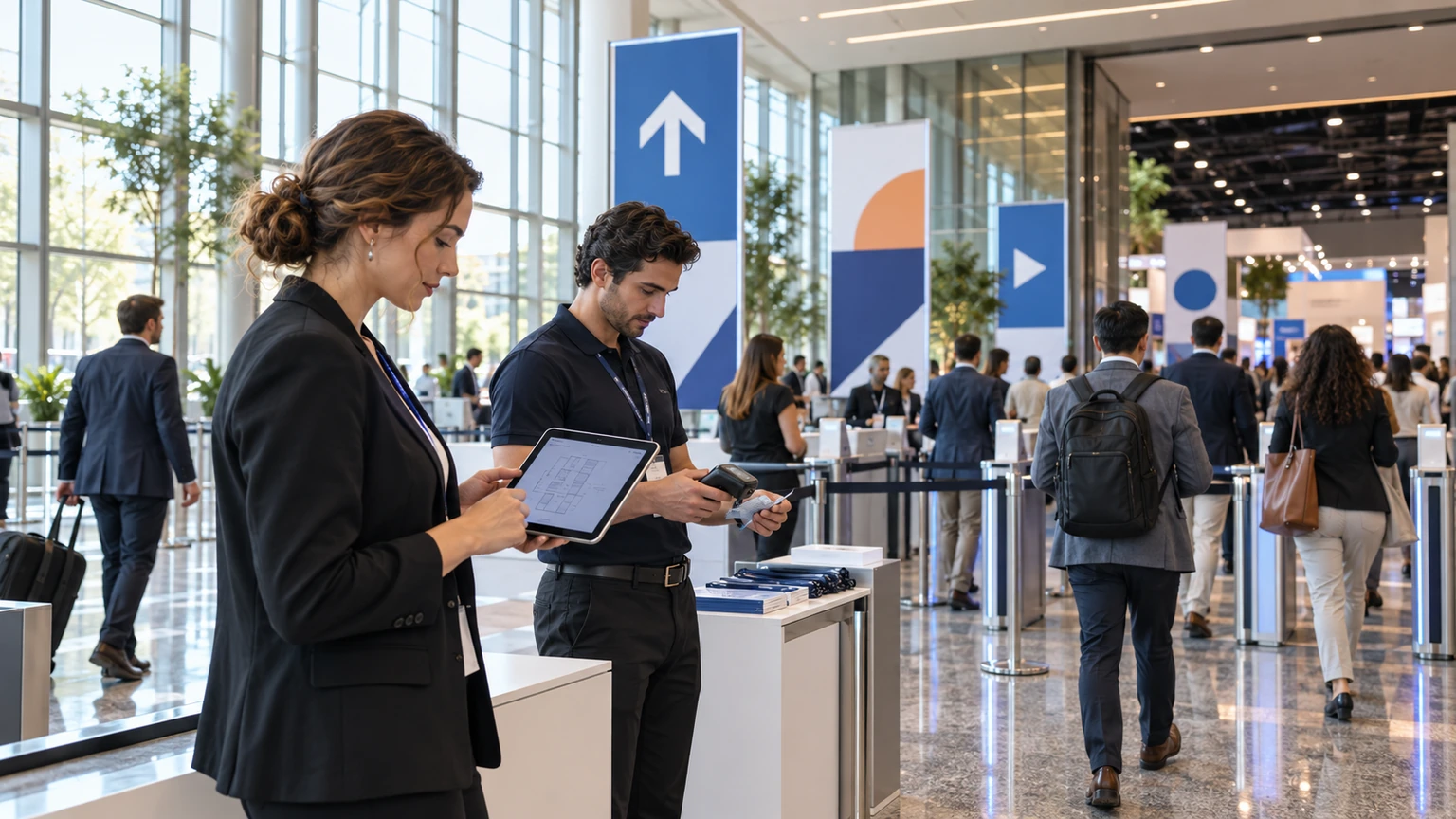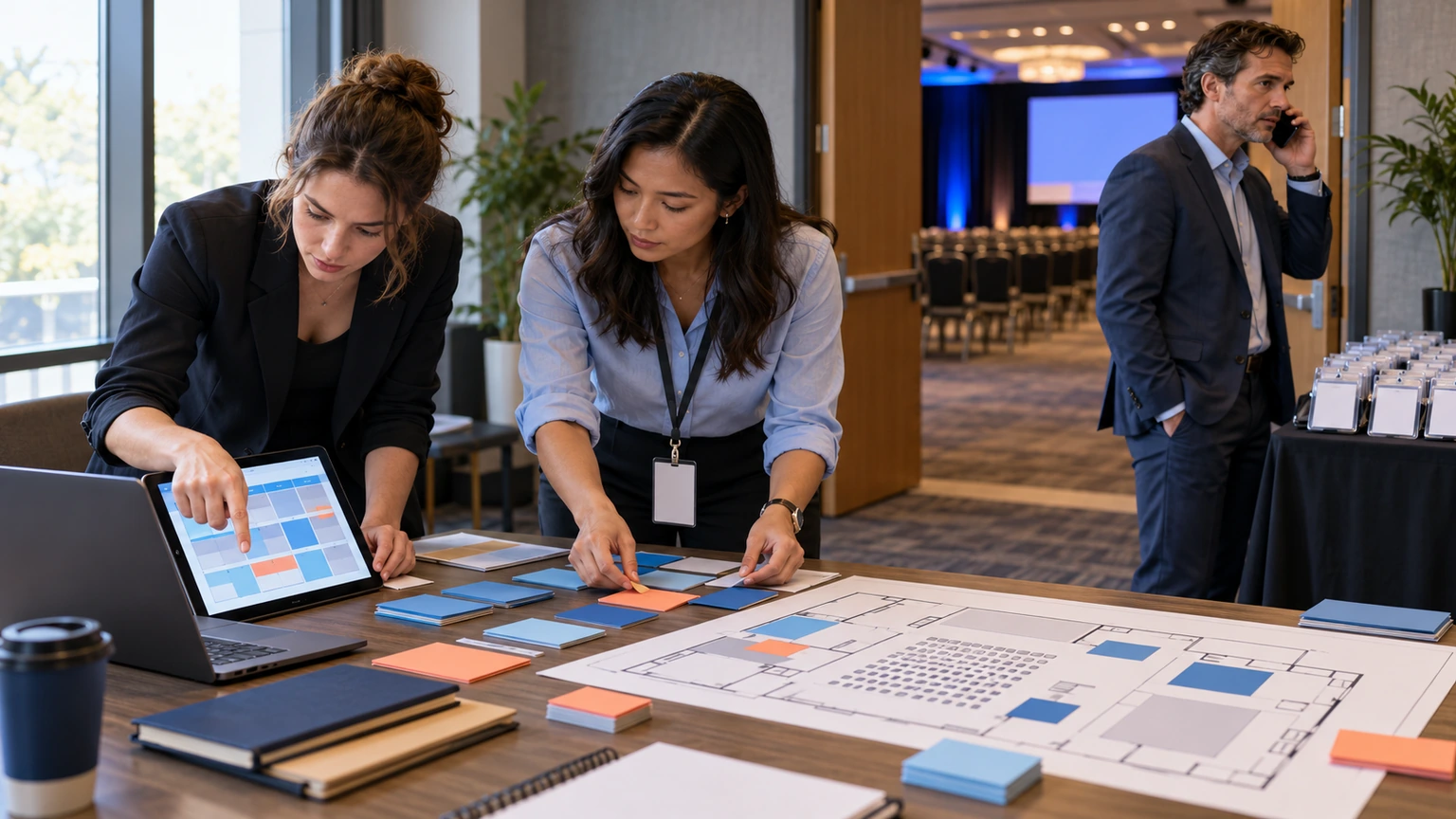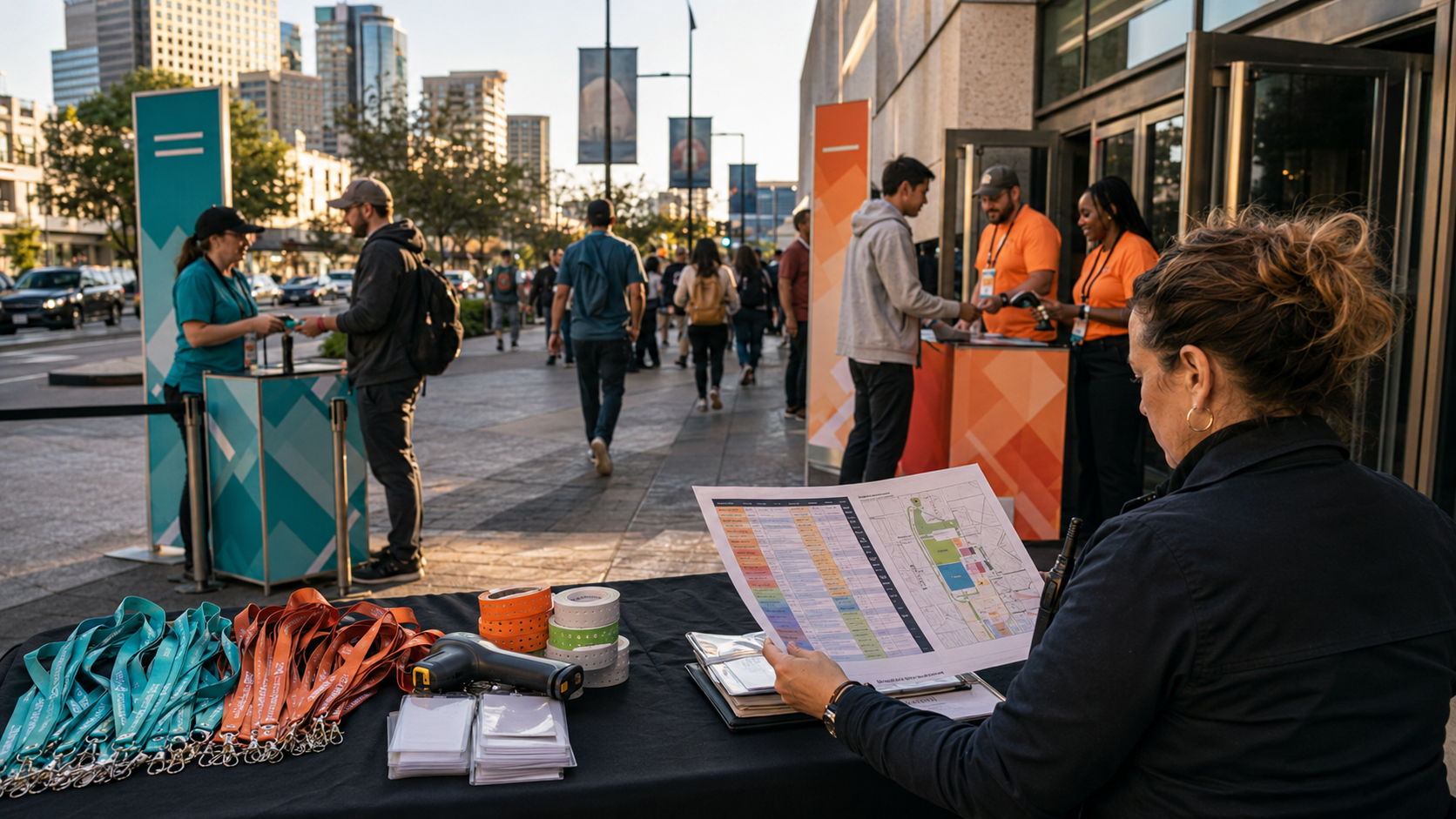
Citywide events are having a moment.
Not the “one big venue, one big schedule” kind. The kind where your destination becomes the venue: a convention program, fan zones, sponsor activations, community events, partner spaces, and pop-ups that are all technically separate, but feel like one experience.
Skift Meetings frames this shift through the lens of the 2026 FIFA World Cup and what it could mean for citywide convention experiences: destinations turning into activation platforms (source).
Citywide doesn’t fail because the idea is bad. It fails because no one owns the attendee journey as an operational system.
This is a practical playbook you can use to make the city feel intentional, without creating an ops nightmare for your team.
1) Stop calling it “citywide.” Name the journey.
“Citywide” is a geography label. Attendees don’t experience geography, they experience decisions:
- Where do I go next?
- What’s worth my time?
- How do I get in?
- What do I show at the door?
- Where are my people?
Write a one-sentence journey definition you can actually operate. Example:
“One badge, one agenda, clear entry rules, and obvious sponsor moments across multiple spaces.”
If you can’t say it in one sentence, you can’t run it at scale.
2) Design the spine first: access, agenda, and check-in
Citywide experiences get marketed like a vibe, then executed like a scavenger hunt.
Build the boring spine early:
- Registration and participant access: decide how people join (public/private, join codes where relevant), and keep it consistent.
- Agenda: one place for the schedule people will actually use (not “the PDF is final, unless it isn’t”).
- Check-in behavior: pick what makes sense per location: self check-in, staff-led check-in, or a mix.
In Bewitt, these live inside the event workspace: registration and participant access, agenda views (and agenda registration when used), and check-in flows tied to the participant digital badge (including staff-led agenda check-ins when that’s how you run the door).
3) Treat venues like “rooms,” even when they aren’t
A fan zone, a museum night, and a sponsor lounge aren’t “sessions” in the traditional sense, but they behave like sessions operationally:
- they have a location
- they have a time window
- they have an entry rule
- they have a capacity reality (even when nobody wants to say the word)
Build every citywide element with the same minimum dataset: name, time, location, entry rule, and what the attendee should do next. That’s how you avoid five different teams writing five different versions of the truth.
4) Make sponsor activations legible (and easy to find)
Sponsor activations often fail in a predictable way: they exist, but they’re hard to discover, or unclear on what to do.
Make sponsor moments explicit:
- Directory-level clarity: who is sponsoring, what they’re offering, and where to find them (sponsor directory).
- Agenda-level placement: when the activation is happening (and whether it’s drop-in or scheduled).
- On-site action: if you’re using QR scanning flows, define what a scan means (check-in, validation, reward trigger, lead moment, etc.).
If a sponsor activation can’t be explained as an attendee action, it will be explained as “a logo somewhere.”
5) Use Teams when the city is the game board (optional, but effective)
When citywide programming spreads people out, the social glue matters more. This is where teams can help, if your event enables them.
Teams give you a light structure for participation across multiple locations:
- attendees can join a team (self-join rules when allowed)
- teams can collect points for specific actions
- leaderboards can make the city feel connected (without forcing constant “engagement”)
The key is restraint: a few team-based actions that guide movement and discovery, not a game show.
6) Write the attendee instructions like it’s event day (because it is)
Citywide events increase cognitive load. People are walking, rushing, meeting friends, getting turned around, losing battery. Your content has to survive that.
For each location or activation, write one short block that answers:
- Where: the exact place, not just the neighborhood
- When: the window, plus the “don’t bother after this time” cutoff if it exists
- Entry: what to show (digital badge, invite PIN, etc., depending on your setup)
- Help: what to do if it fails
In Bewitt, this kind of guidance fits naturally into participant-facing custom pages tied to the same event workspace as registration, agenda, and check-in.
7) Capture feedback while it’s still fresh (not two weeks later)
Citywide experiences create lots of moments, and the memories decay fast.
Short, in-the-moment feedback works better than a long post-event survey, especially for:
- which locations people actually visited
- which sponsor activations felt worth it
- where the journey broke (confusing entry, unclear timing, hard-to-find info)
If your event enables feedback in Bewitt, keep it close to the agenda items or experiences it relates to, so attendees don’t have to hunt for it.
8) Reporting: build the story for stakeholders (and for next year)
DMOs and city partners don’t just want “it was busy.” They want a clean narrative backed by reality: attendance, flow, and what worked.
When your operational elements are tied to one workspace (registrations, agenda, check-ins, sponsor visibility, feedback where enabled), reporting becomes less about stitching exports together and more about answering practical questions:
- What did people actually do across the city?
- Where were the pressure points?
- Which programming decisions created movement (or caused drop-off)?
- What should be repeated, moved, or removed next time?
Where Bewitt fits (without pretending it does everything)
Bewitt is a practical event workspace. For citywide events, that matters because you’re coordinating a lot of moving parts that tend to live across spreadsheets, email threads, PDFs, and “ask someone on Slack.”
Depending on what you enable for your event, Bewitt can support:
- Registration + participant access (public/private joining, join codes where applicable)
- Participant experience with agenda, custom pages, sponsor directory, profile and digital badge
- Check-in flows (self, staff-led, or mixed, based on your settings)
- Engagement modules like quizzes, missions, rewards, leaderboards, and Teams (optional)
- Feedback and reporting to reduce the post-event scramble
If you’re planning a citywide program and want to pressure-test the attendee journey (not just the marketing), compare your current workflow with Bewitt: registration, agenda, check-in, sponsor visibility, feedback, and reporting in one place.