Most events no longer serve one dominant attendee profile.
They serve guests who may differ widely in how they register, read instructions, use mobile tools, ask for help, and make decisions on site.
That is the practical challenge behind the industry conversation about serving five generations at the same event. Even if the exact labels vary, the operational reality is clear: one communication style rarely works equally well for everyone.
Inclusive event communication is not about writing five separate events. It is about reducing avoidable friction for people who move through the same event in different ways.
For event teams, that means rethinking registration, reminders, on-site support, signage, and digital journeys with a more segmented mindset.
Why this matters
Generational differences show up in event operations faster than many teams expect.
They often appear as:
- participants missing key pre-event instructions
- low adoption of digital tools by some attendee groups
- support desks answering questions that were already sent by email or app
- confusion around check-in, schedule changes, or venue navigation
- frustration when communication feels too frequent, too sparse, or too app-dependent
These are not only marketing problems. They affect staffing, queue times, service consistency, and attendee confidence.
A broad audience mix does not require stereotypes. It requires planning for different levels of digital comfort, channel preference, and need for reassurance.
Start with behavior, not birth-year assumptions
The fastest way to make generational planning less useful is to turn it into a set of clichés.
Not every older attendee avoids mobile tools. Not every younger attendee wants everything in an app. What matters operationally is observed behavior.
Instead of building plans around labels alone, segment audiences using practical signals:
- first-time versus returning attendee
- self-service users versus higher-support users
- mobile-first versus email-first engagement
- speaker, sponsor, VIP, staff, or general attendee role
- traveling guests versus local guests
Generational thinking can still help, but only when it is used to ask better questions:
- who is likely to want more guidance before arrival?
- who is comfortable finding answers inside an attendee app?
- who may respond better to shorter reminders with one clear action?
- who is likely to need reassurance that help is available on site?
The goal is not to guess what each age group wants. The goal is to make key event actions easy in more than one way.
Audit the event journey for communication pinch points
Before changing channels or rewriting copy, identify where mixed audiences typically struggle.
For most events, the highest-risk moments are predictable:
Before the event
- registration completion
- ticket or confirmation understanding
- knowing what happens next
- travel, parking, and arrival instructions
- understanding whether the attendee app is optional or essential
During the event
- finding the check-in point
- understanding badge, access, or queue rules
- navigating schedule changes
- finding sessions, exhibitors, or networking areas
- knowing where to ask for help
After the event
- accessing materials or next steps
- responding to follow-up or feedback requests
- understanding what remains available digitally
If a single group consistently gets stuck at one of these points, the issue is often communication design, not attendee effort.
Use channel layering, not channel replacement
A common mistake is assuming the newest channel should replace the older one.
In practice, mixed-generation events work better when teams layer channels around the same key action.
For example, if attendees need to know where to check in, the answer should not live in only one place. It should appear across the channels people actually use.
A practical layering model
- email for core pre-event instructions and searchable reference
- attendee app for in-event schedules, updates, and quick access while on site
- clear venue signage for immediate decision points
- staff scripts for high-pressure or high-confusion moments
- help desk visibility for guests who prefer human confirmation
This does not mean repeating everything everywhere. It means placing critical information in more than one usable format.
For Bewitt teams, this is where operational alignment matters most: if guest information, schedules, and attendee-facing communication are managed clearly, staff can support different preferences without creating separate manual systems.
Write messages for speed and reassurance
When events serve a broad age mix, clarity usually beats style.
The best operational messages are easy to scan and easy to act on.
What to do
- lead with the action, not the background
- use one main instruction per message when possible
- include dates, times, and locations in plain language
- say what attendees should do if they need help
- avoid forcing people to infer whether something is optional or required
What to avoid
- long paragraphs that hide the next step
- app-only instructions when some guests may rely on email or staff help
- jargon about event processes or access types
- last-minute changes sent without a clear summary
Short messages help everyone, not only older or younger attendees. The difference is that some groups are simply less forgiving when instructions are unclear.
Design the attendee app as a convenience tool, not a gate
For many events, the attendee app can improve the guest experience significantly. It can help attendees find schedules, track changes, and orient themselves during the event.
But adoption usually suffers when the app feels mandatory for basic participation.
A better approach is to make the app highly useful without making non-users feel excluded.
Good principles for mixed audiences
- make the app's value obvious before the event starts
- show attendees exactly what they will gain by downloading it
- keep first-use steps simple
- avoid hiding essential arrival information only inside the app
- ensure staff can still help guests who prefer not to use it
This is especially important when some attendees are eager for mobile convenience and others are more comfortable with email, printed summaries, or direct staff support.
If the app becomes the only path to basic event participation, support pressure usually increases.
Plan on-site service for different comfort levels
Inclusive communication is not just digital. It also shows up in live service design.
Guests who are confident with self-service may move quickly. Others may want a quick verbal confirmation before they proceed.
That means event operations should include:
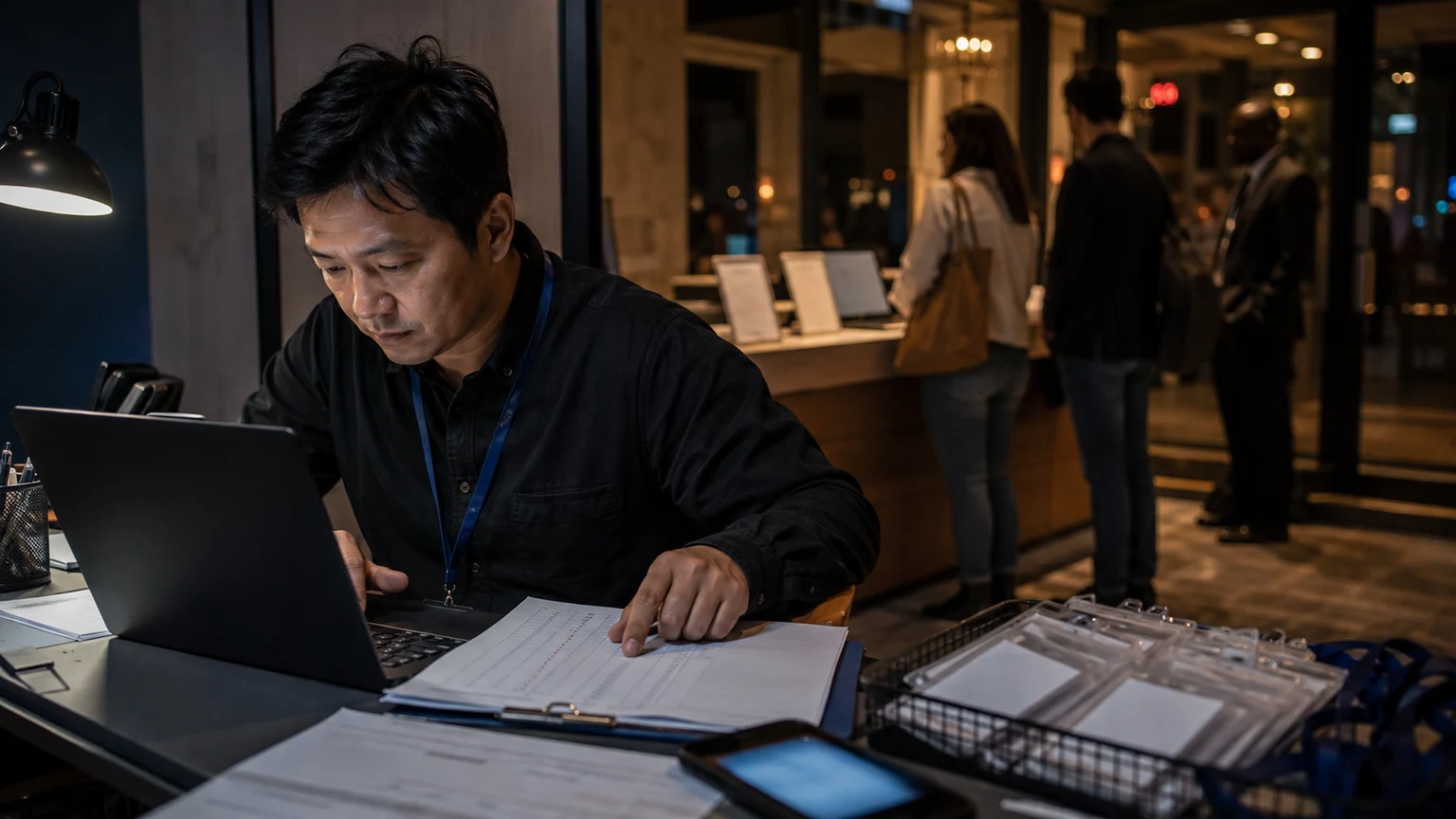
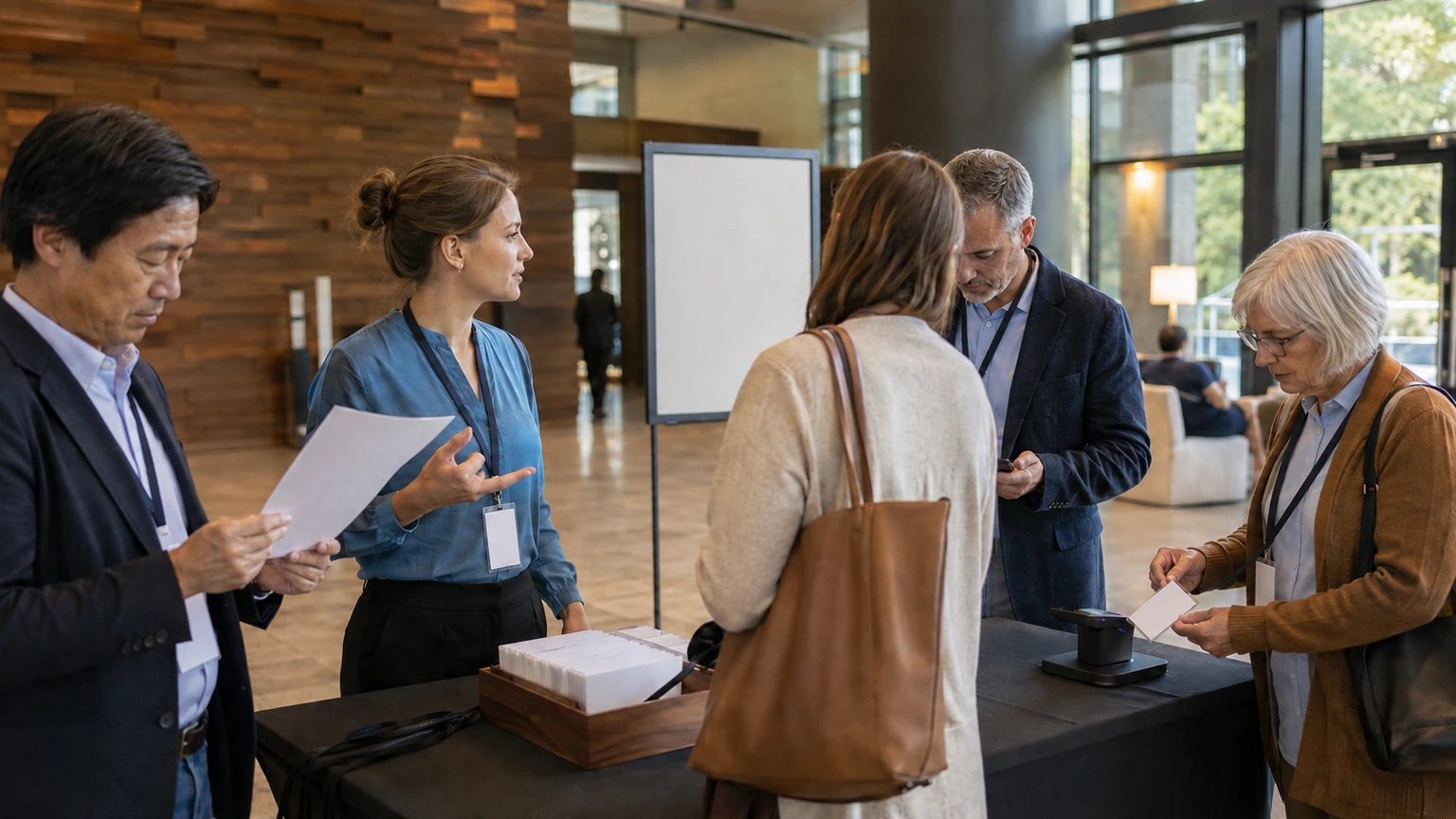
- high-visibility check-in guidance
- staff who can answer the same question calmly and consistently
- backup instructions for guests who missed earlier communications
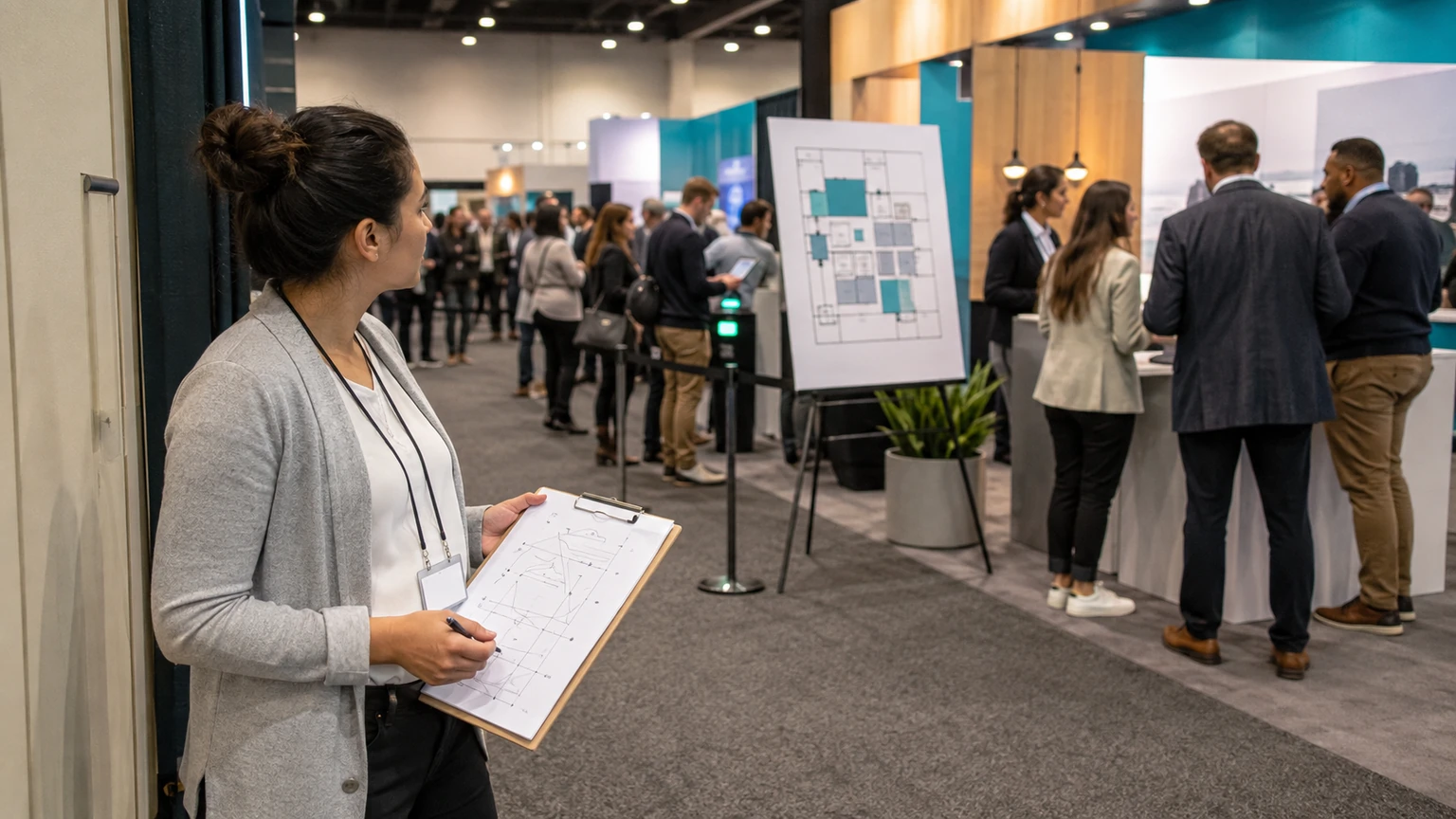
- simple wayfinding at transition points
- support that feels available, not hidden
Many event teams underestimate how much confidence matters. Some attendees do not need more information. They need confirmation that they are in the right place and doing the right thing.
Segment reminders by need, not just by send list
One of the easiest improvements is sending fewer generic reminders and more role- or behavior-based ones.
Different attendees need different prompts at different times.
A speaker may need arrival and backstage details. A sponsor may need setup timing. A general attendee may only need parking, check-in hours, and where to find their schedule.
That kind of segmentation helps across generations because it reduces overload.
A practical reminder structure
- one early orientation message: what to expect
- one logistics message: where, when, and how to arrive
- one final short reminder: the most important next step
- role-specific messages only where operationally necessary
Teams should also check whether their reminders assume too much digital confidence. If an instruction requires several taps, a login, or prior app familiarity, explain that clearly and keep a fallback path available.
Test with real users before launch
If an event expects a broad age range, message testing is worth the effort.
This does not need a large research program. A small practical test can reveal a lot.
Ask a few people to complete basic tasks
- find the event location
- understand how check-in works
- download and open the attendee app
- find their schedule or session information
- identify where to get help
If test users hesitate, miss a step, or ask for clarification, the event team has found friction before attendees do.
This matters more than debating whether one generation prefers one channel more than another.
Common mistakes to avoid
- assuming one channel is enough for all critical instructions
- using generational labels as a substitute for actual audience behavior
- making the attendee app essential without supporting non-app users
- sending dense messages with multiple actions buried inside
- treating support demand as an attendee problem instead of a design signal
- forgetting that staff scripts are part of the communication system too
What this means for event teams
The recent industry focus on serving five generations is useful because it points to a real operational truth: events now need communication systems that work across wider differences in habit, confidence, and expectation.
That does not require five separate playbooks.
It requires clearer segmentation, better channel layering, stronger attendee guidance, and on-site service that does not punish people for choosing a different path.
For organizers, the most practical question is simple: can guests complete the critical actions of your event in the way that suits them best, without creating extra confusion for staff?
If the answer is yes, your event is already becoming more inclusive, and easier to run.